
How to choose short-term rental management software
A list of features rarely tells you whether a tool will fit your properties. Compare candidates using the same sample reservation and the tasks your team performs every day.
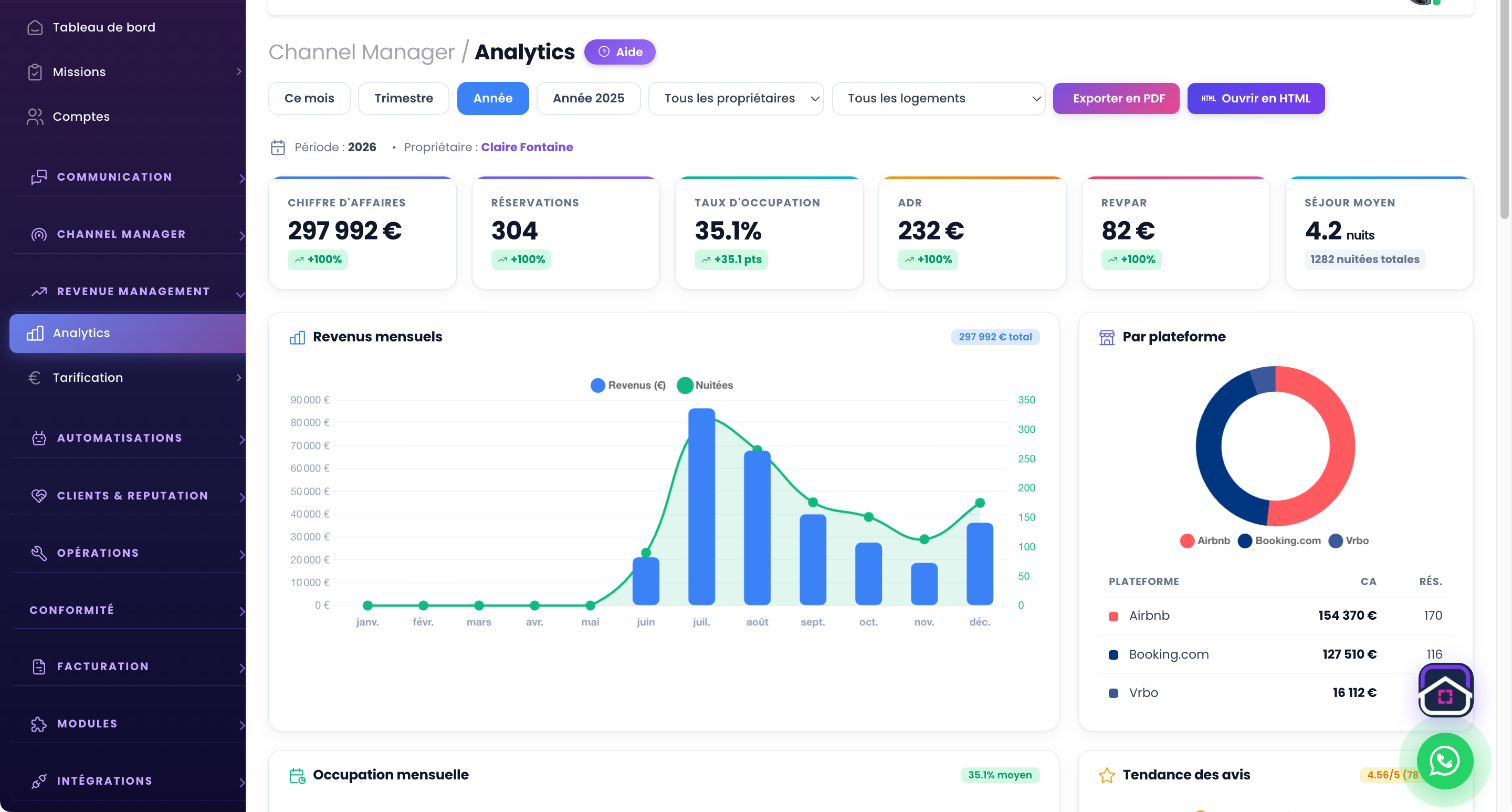
Map the work before comparing products
Write down each channel, property, user role and recurring task. Separate essential needs from future ideas. A small owner and a growing concierge service may need different permissions, reporting and handover controls.
Choose a realistic test case: a booking change that affects the calendar, a guest question, a cleaning assignment and an owner report. Ask each vendor to demonstrate that case end to end.
Test integrations, not labels
Confirm whether each channel uses a direct API connection, iCal feed or manual import, and what information actually synchronises. Test cancellation, date changes and a temporary connection failure. Ask how to detect and recover from a mismatch.
Try the inbox, mobile view and exports with the people who will use them. A feature that exists but takes several workarounds may add work rather than remove it.
Check ownership and full cost
Compare the current published plan for your property count, optional modules, setup, payment charges and support. Verify data-export formats and what happens if you leave. Never base a decision on an old competitor price quoted in a blog post.
Protect access with individual accounts and appropriate roles. Confirm how owner data and guest messages can be viewed, corrected and exported.
Run a short pilot
Start with a few properties, record error rates and time spent on the selected workflows, then expand only if the result holds. Keep your previous process available during the test.
Review GuestLucky features and its current plans against this checklist. The best fit is the one that works for your actual portfolio and team.
Continue with the GuestLucky guides or explore the features.