
Analytics & revenue
Analyse revenue, occupancy and booking distribution. Move from a portfolio overview to an individual property to inform decisions.
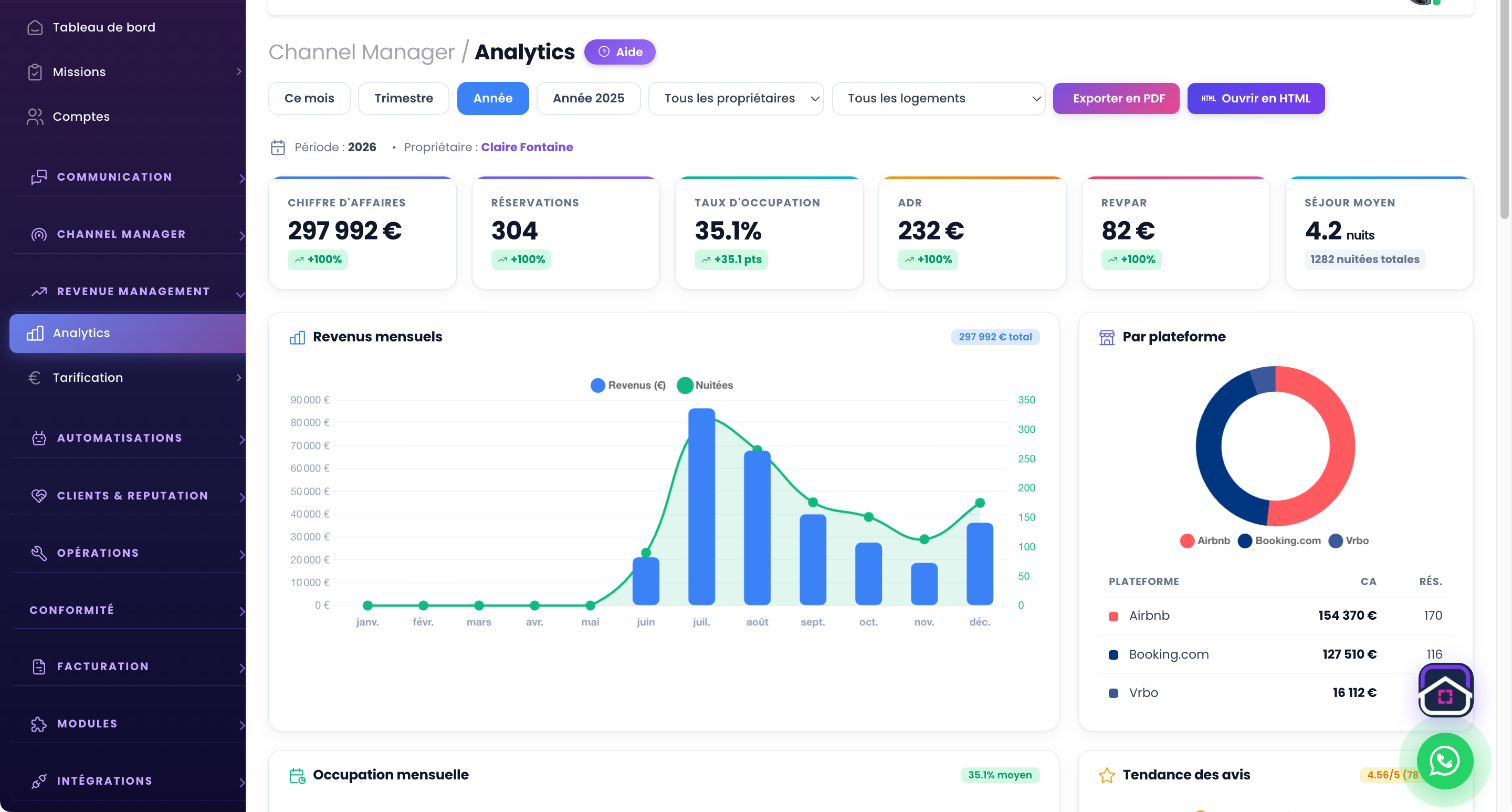
Choose the right reporting period
Comparisons require consistent periods and scope. Filters help you focus on relevant dates and properties. A month still in progress should not be interpreted as a completed month.
Review revenue and channels
Bookings by platform show where stays come from. Revenue and occupancy provide complementary views: filling the calendar and increasing revenue are different questions.
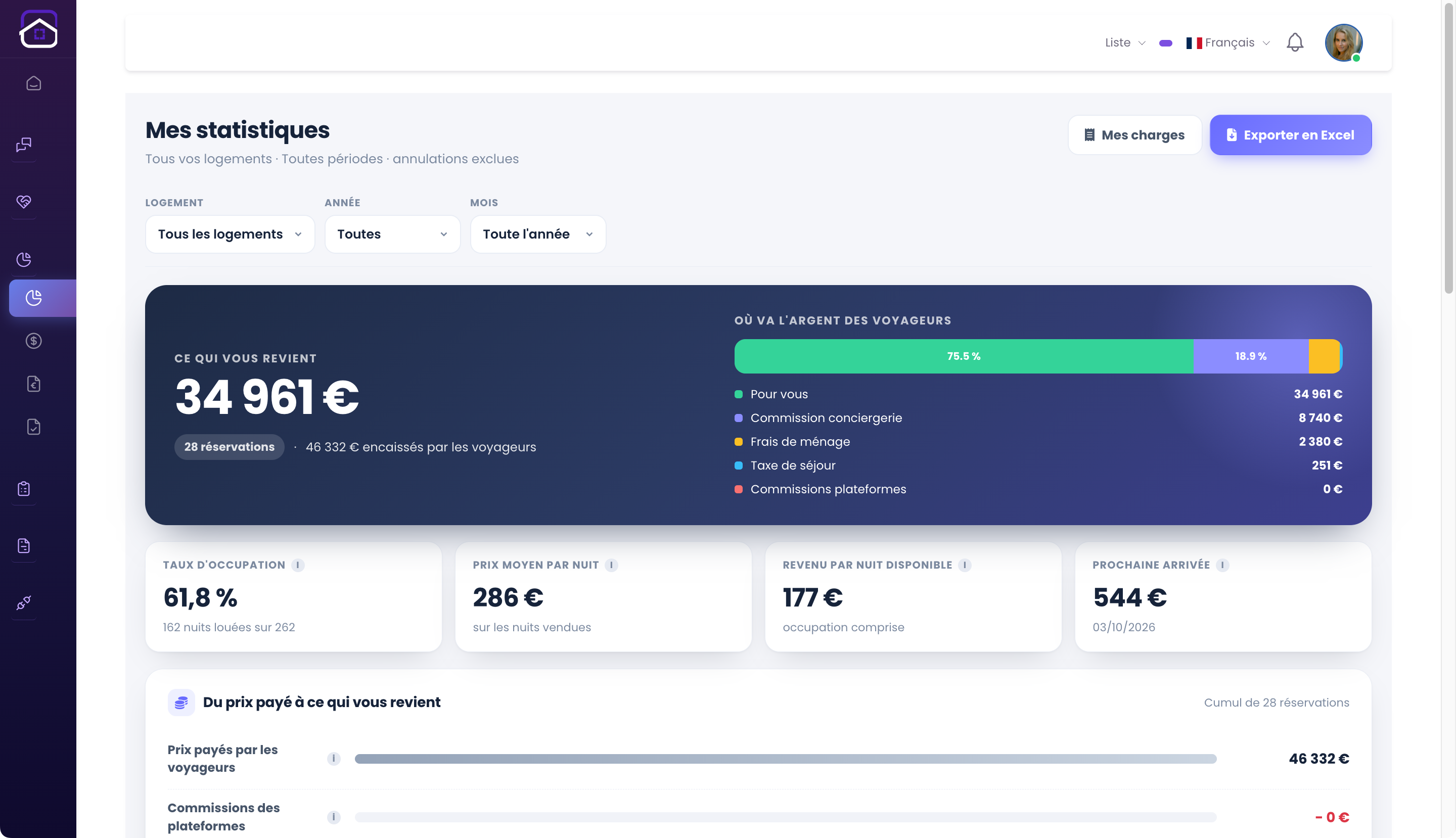
Share an owner-specific view
The owner portal shows their properties in a separate space. The operator keeps their own tools while owners see relevant information. These screenshots illustrate both perspectives using a demo account.
From initial setup to everyday use.
- Choose the period and properties.
- Review revenue, occupancy and channels.
- Connect results with your actions.
Useful questions.
Are screenshot figures a promise of income?
No. They are demo account data, showing the interface rather than expected results for your business.
The next step stays connected.
All features ↗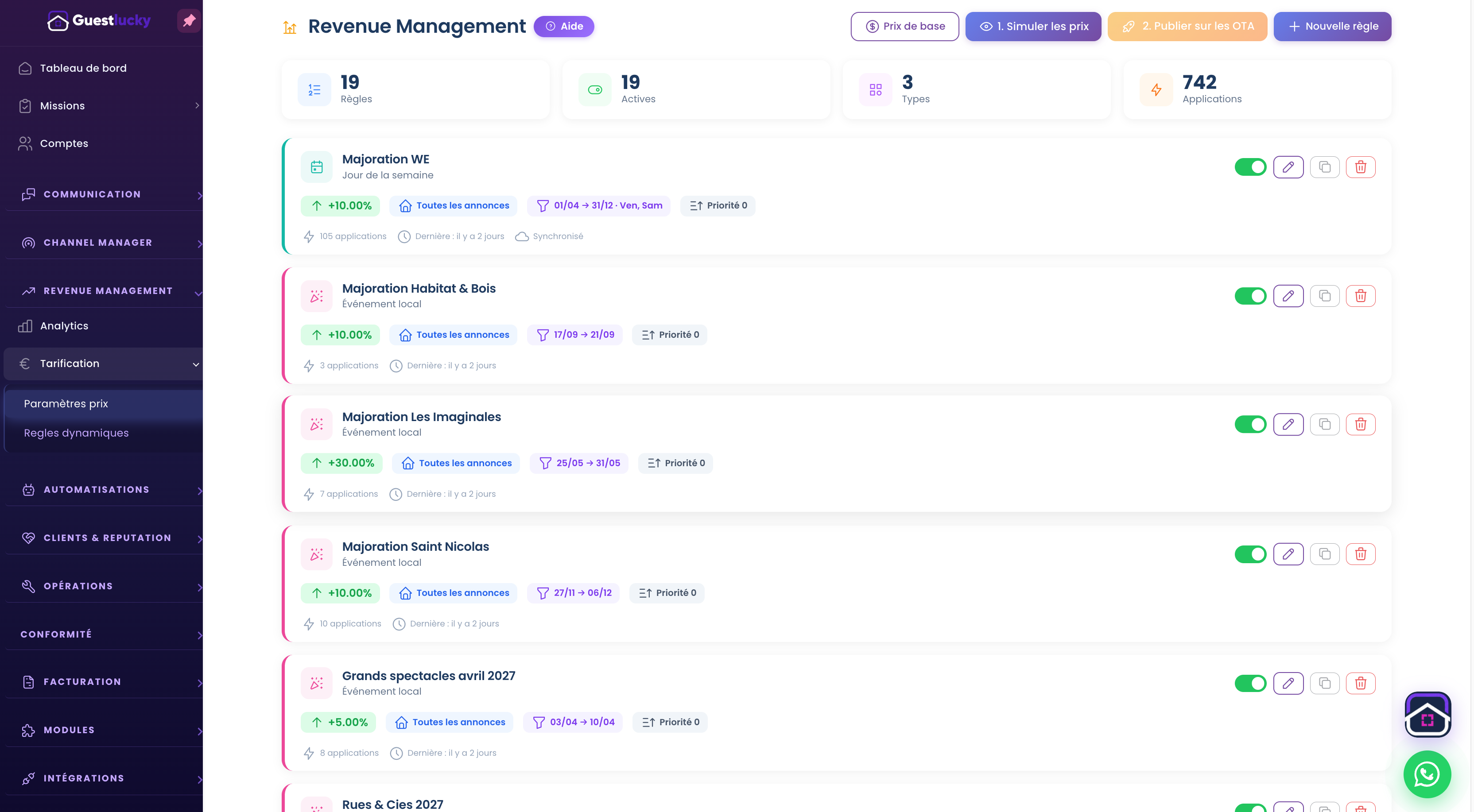
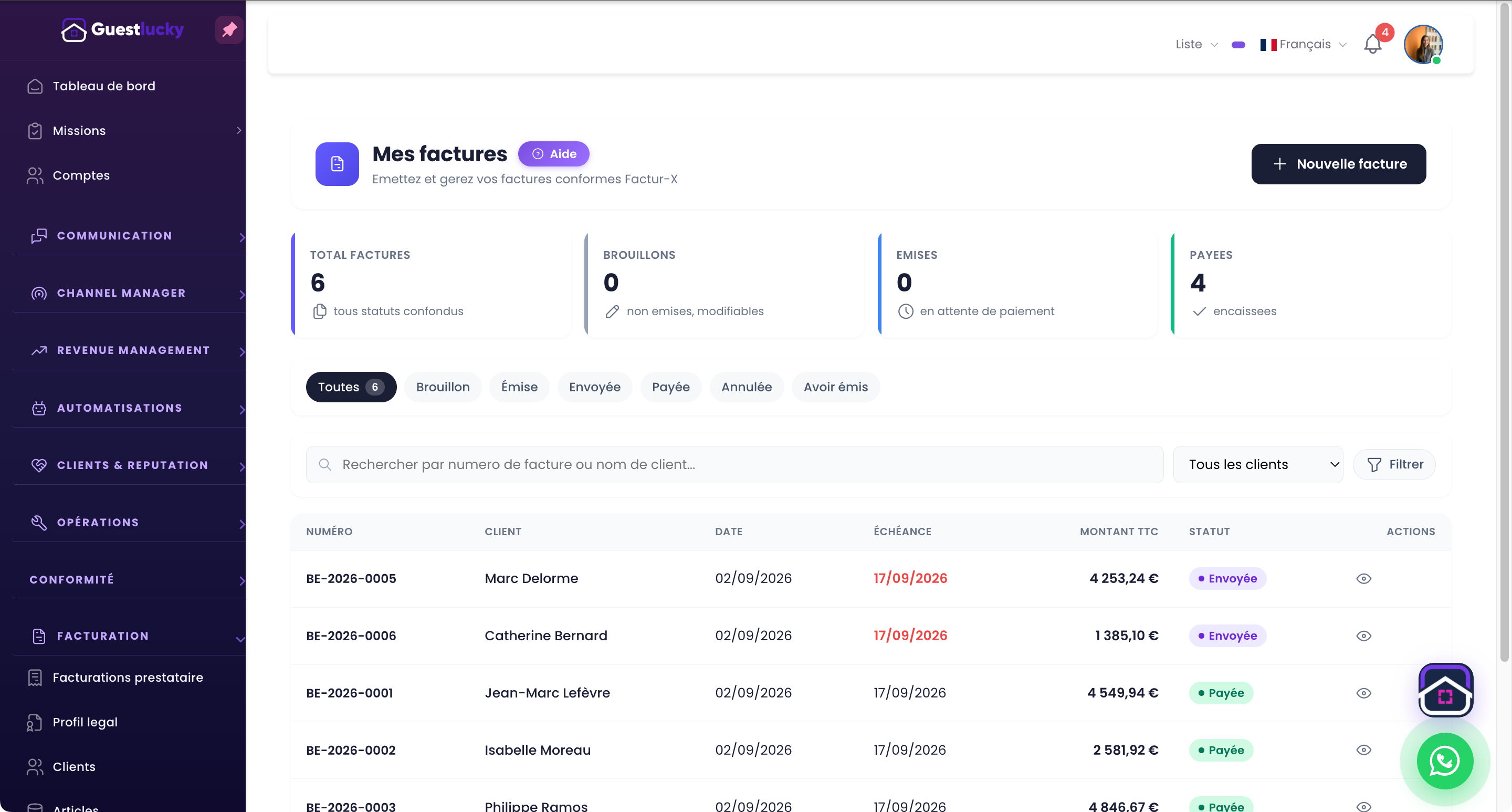
Shall we explore it with your properties?
A free video-call demo, starting with your business and questions.