
Calendar & bookings
Centralise Airbnb, Booking.com and direct bookings in a multi-property calendar. View availability and portfolio activity without switching platforms.
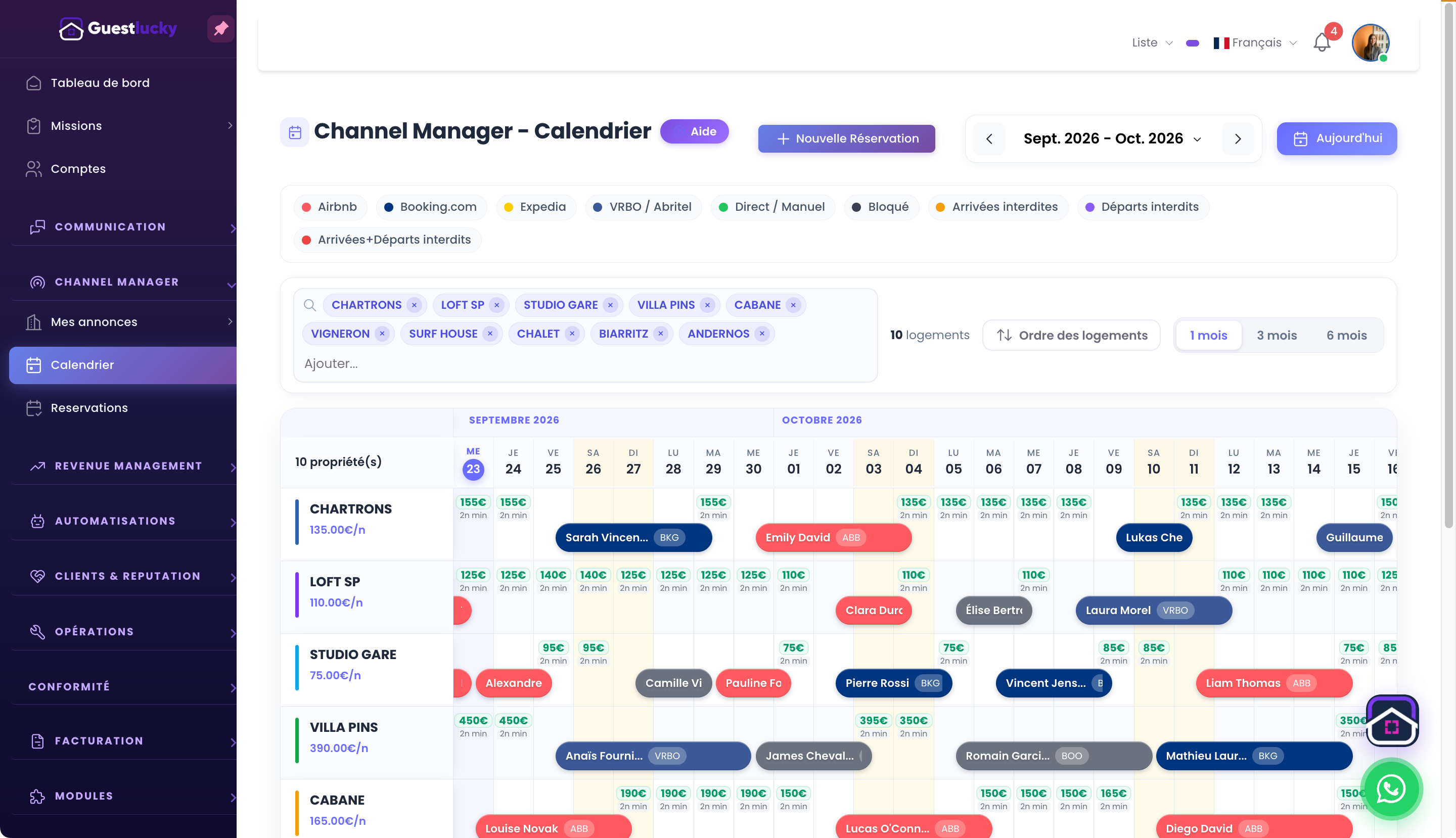
Read the schedule property by property
One row per property, shared dates and stays identified by channel: find the booking you need quickly. Search and filters let you focus on part of your portfolio or return to the overview. Prepare arrivals, check departures and spot available dates.
Handle availability in one tool
With Pro’s Channel Manager, availability and prices connect to supported platforms. Work on your calendar with direct bookings in the same environment. Premium uses iCal/ICS calendars, which do not provide the same level of synchronisation as a Channel Manager connection.
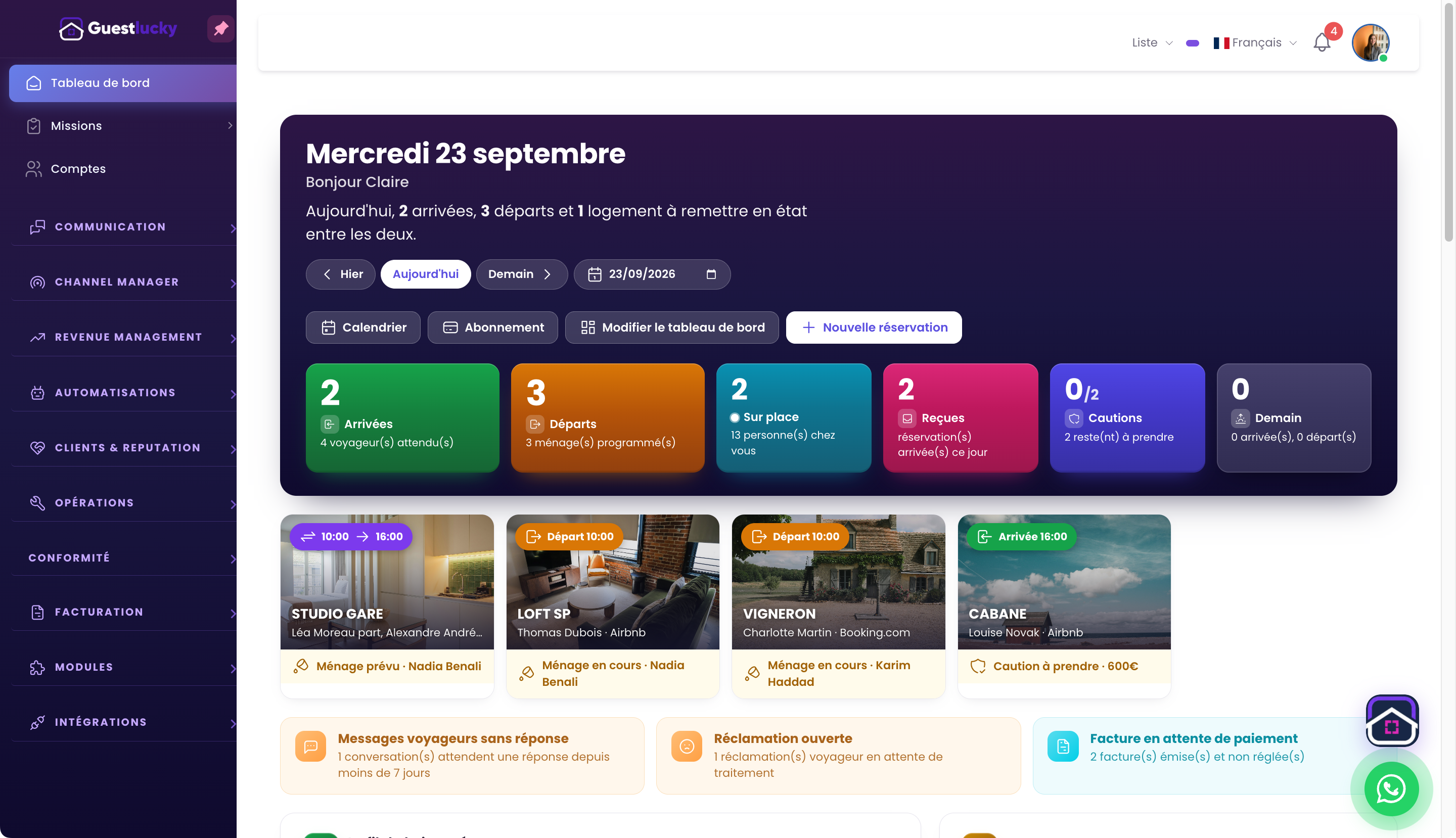
From the stay to the working day
The dashboard brings arrivals, departures and cleaning tasks together. See which properties turn over today and what needs attention. The calendar gives the stay overview; the dashboard helps organise the day.
From initial setup to everyday use.
- Find a property and its stays.
- Check dates and availability.
- Prepare arrivals and turnovers.
Interactive calendar
Availability changes.
A demonstration separate from your GuestLucky account.
October 2026
Useful questions.
Which channels are connected?
Airbnb and Booking.com are the currently presented connections. Google Vacation Rentals, Abritel/Vrbo and Expedia are announced as coming soon, not already available.
Does this page’s calendar change my bookings?
No. The interactive demo is separate from your account and sends no changes to the application.
The next step stays connected.
All features ↗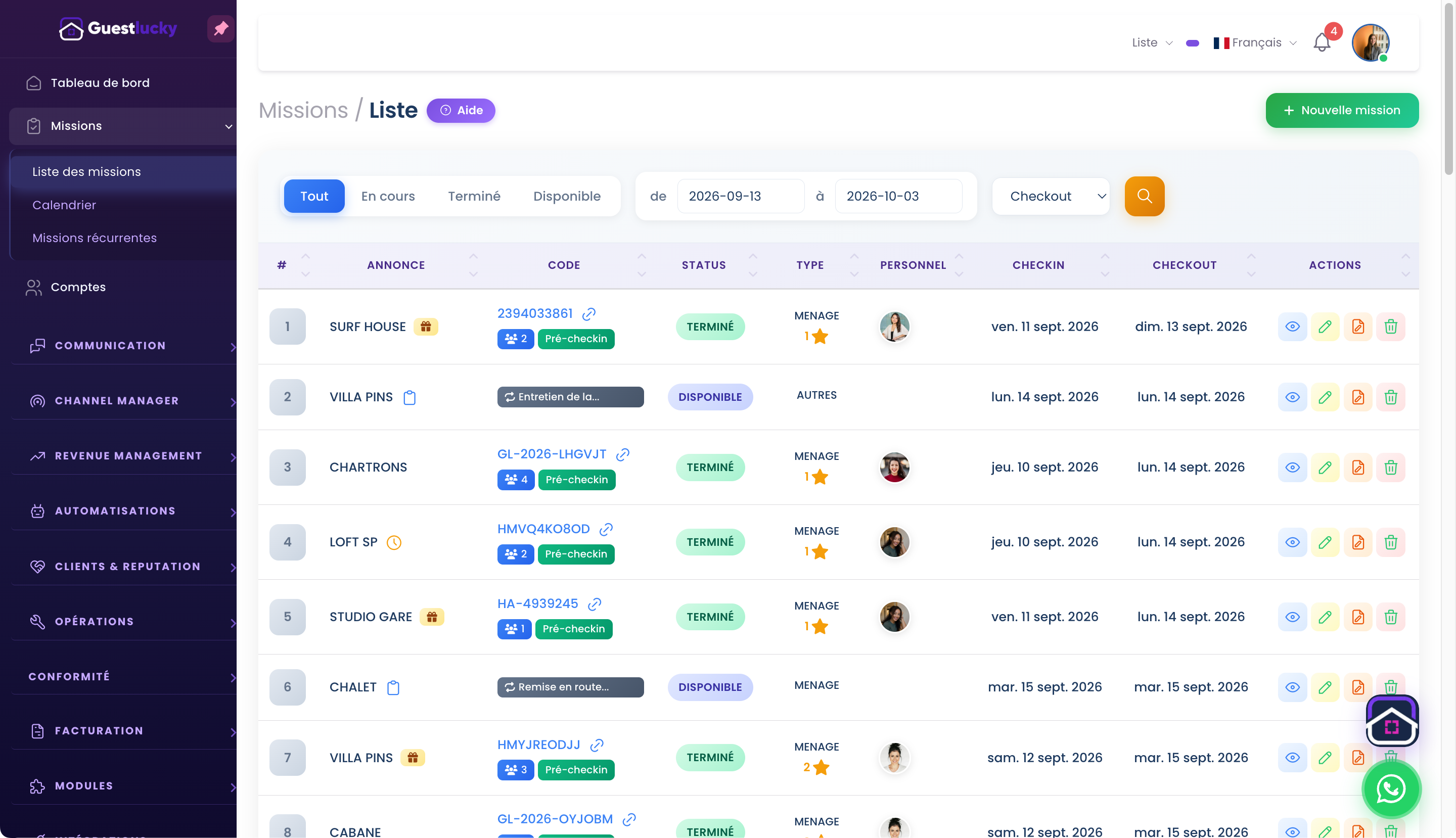
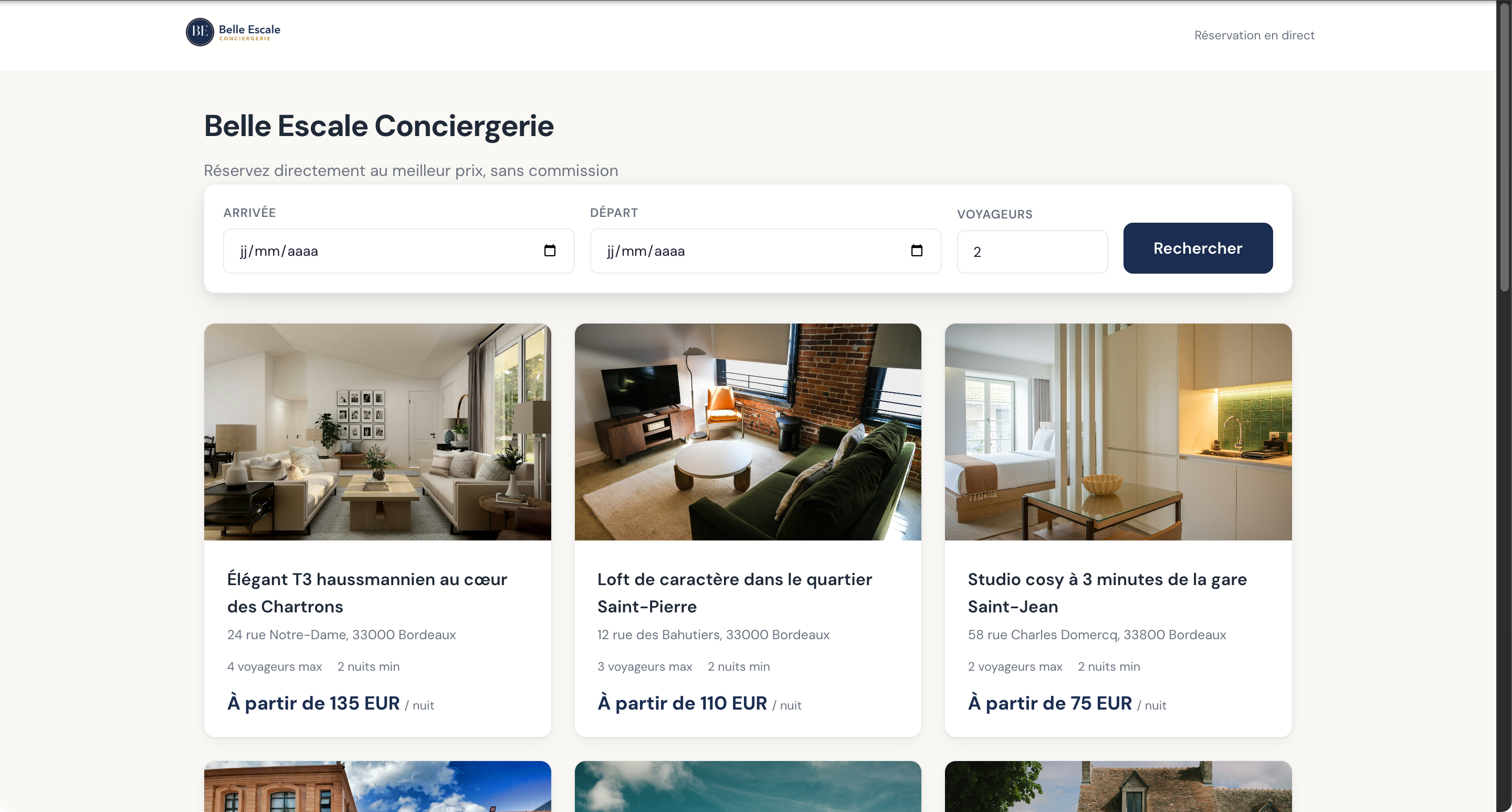
Shall we explore it with your properties?
A free video-call demo, starting with your business and questions.