
Automated messages
Prepare booking, arrival and checkout messages. Associate the text with a trigger, delivery time and a set of properties or channels.
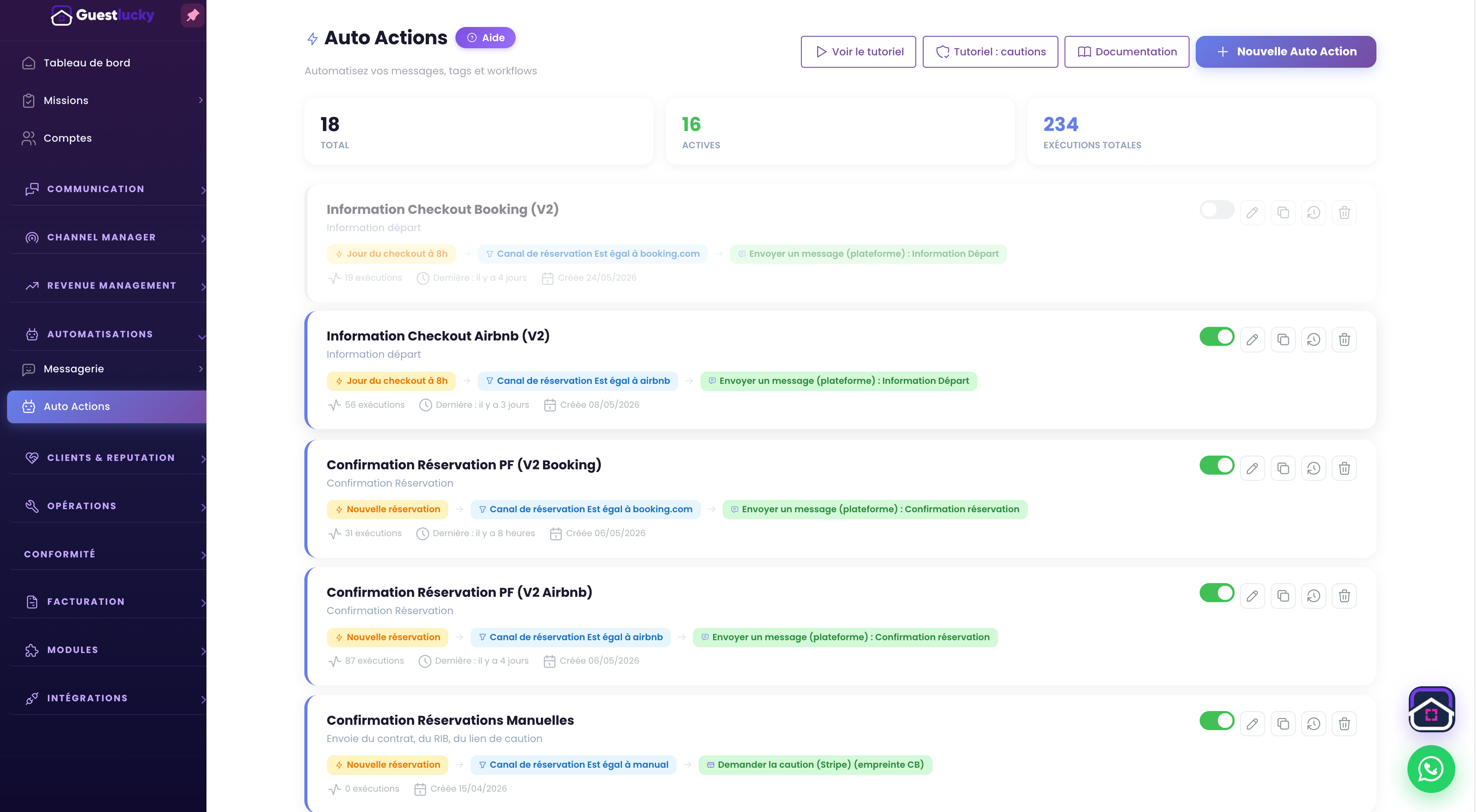
Prepare content once
Templates gather instructions to share with guests. Booking variables personalise stay information. Distinguish confirmations, access messages, checkout reminders and review requests.
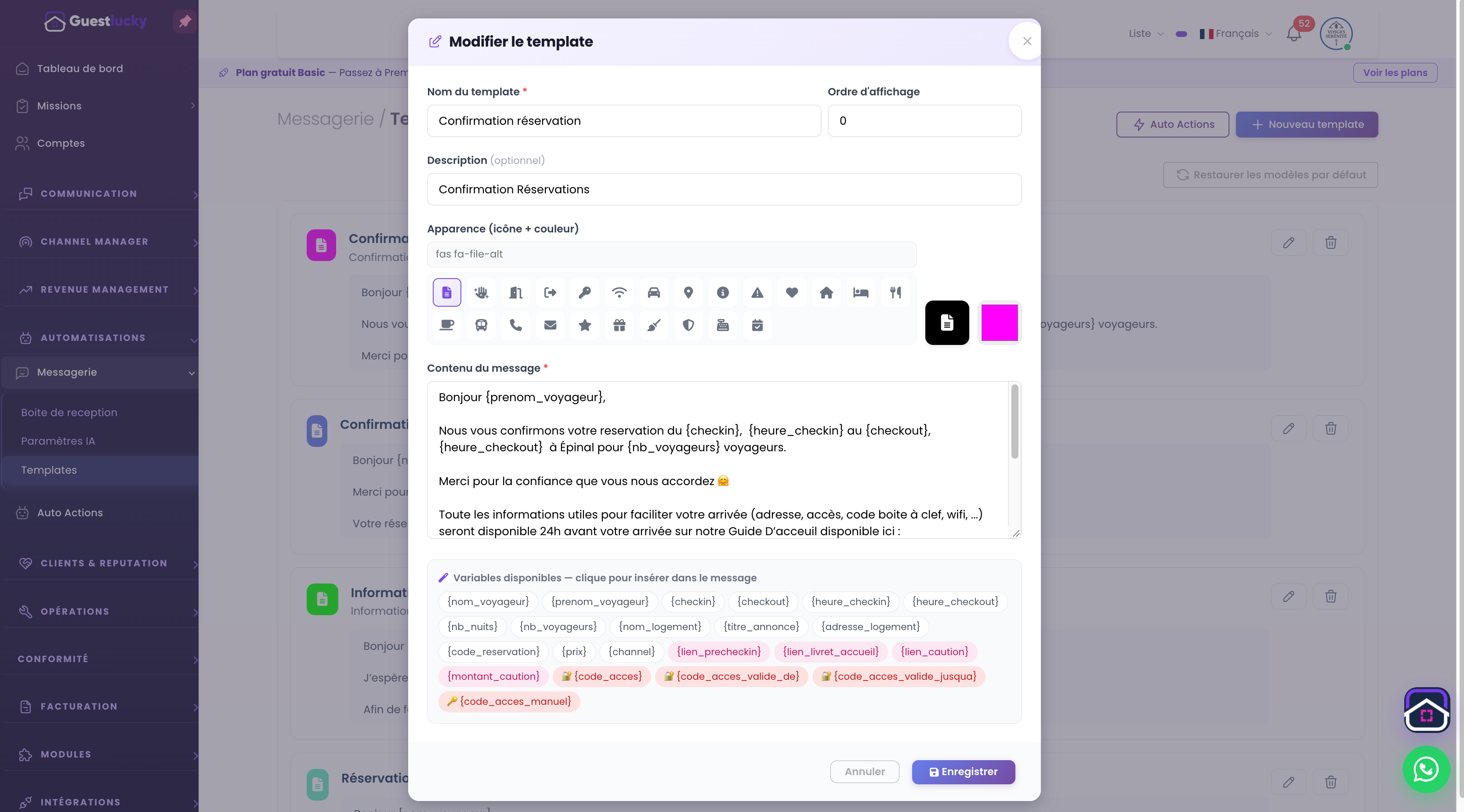
Decide exactly when to send
An automatic action connects content to an event: booking, arrival, departure or an offset around those dates. Conditions define when the rule applies. The same message need not go to every property and channel.
Keep the journey consistent
Check content and timing together: property, channel, available variables and send time. Preparation reduces manual reminders and maintains a clear conversation before and after the stay.
From initial setup to everyday use.
- Write the message and its variables.
- Choose the trigger and conditions.
- Check the scope before activation.
Useful questions.
Can I keep different messages for each property?
Yes, conditions let you target properties, so you can adapt information and timing to their needs.
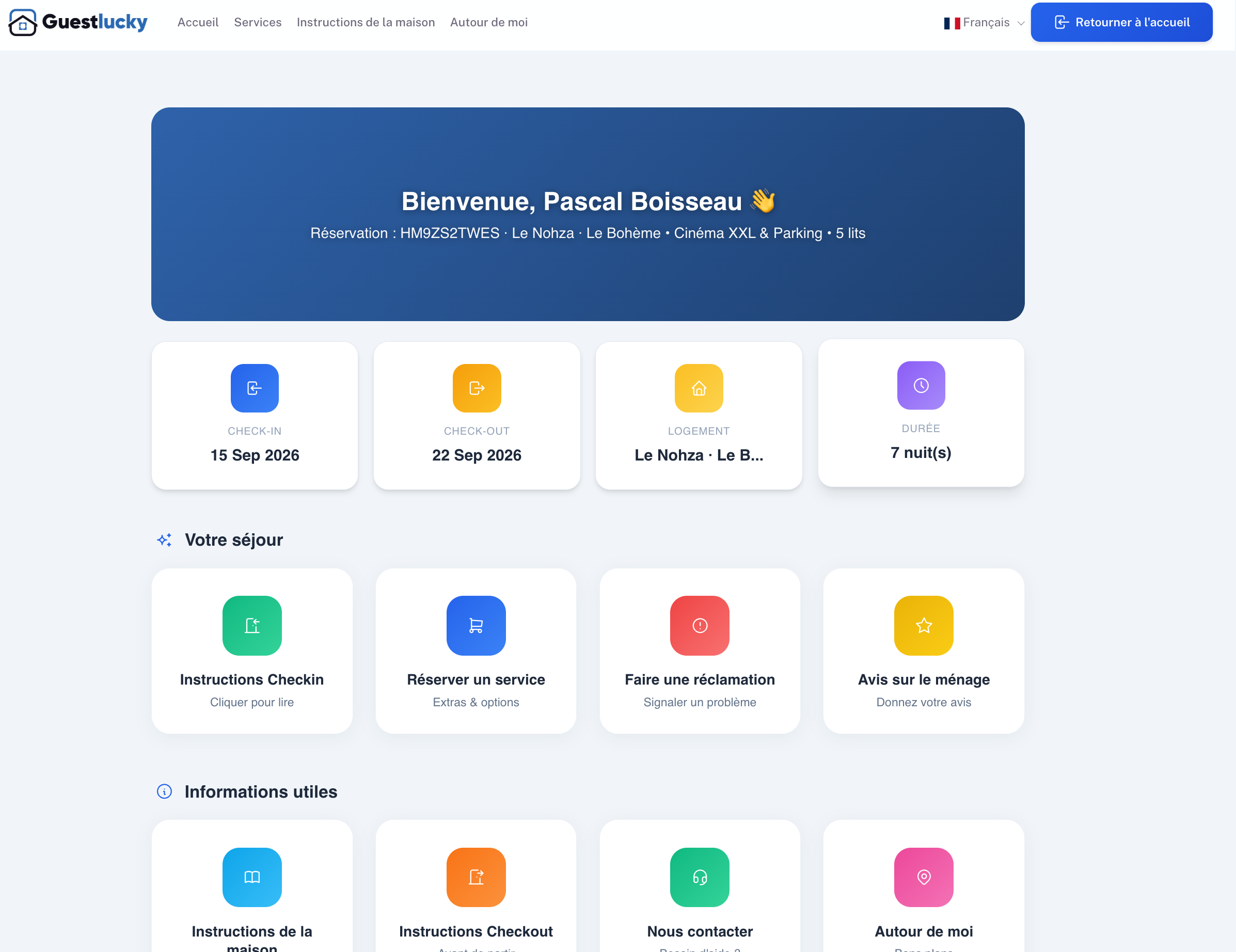
The next step stays connected.
All features ↗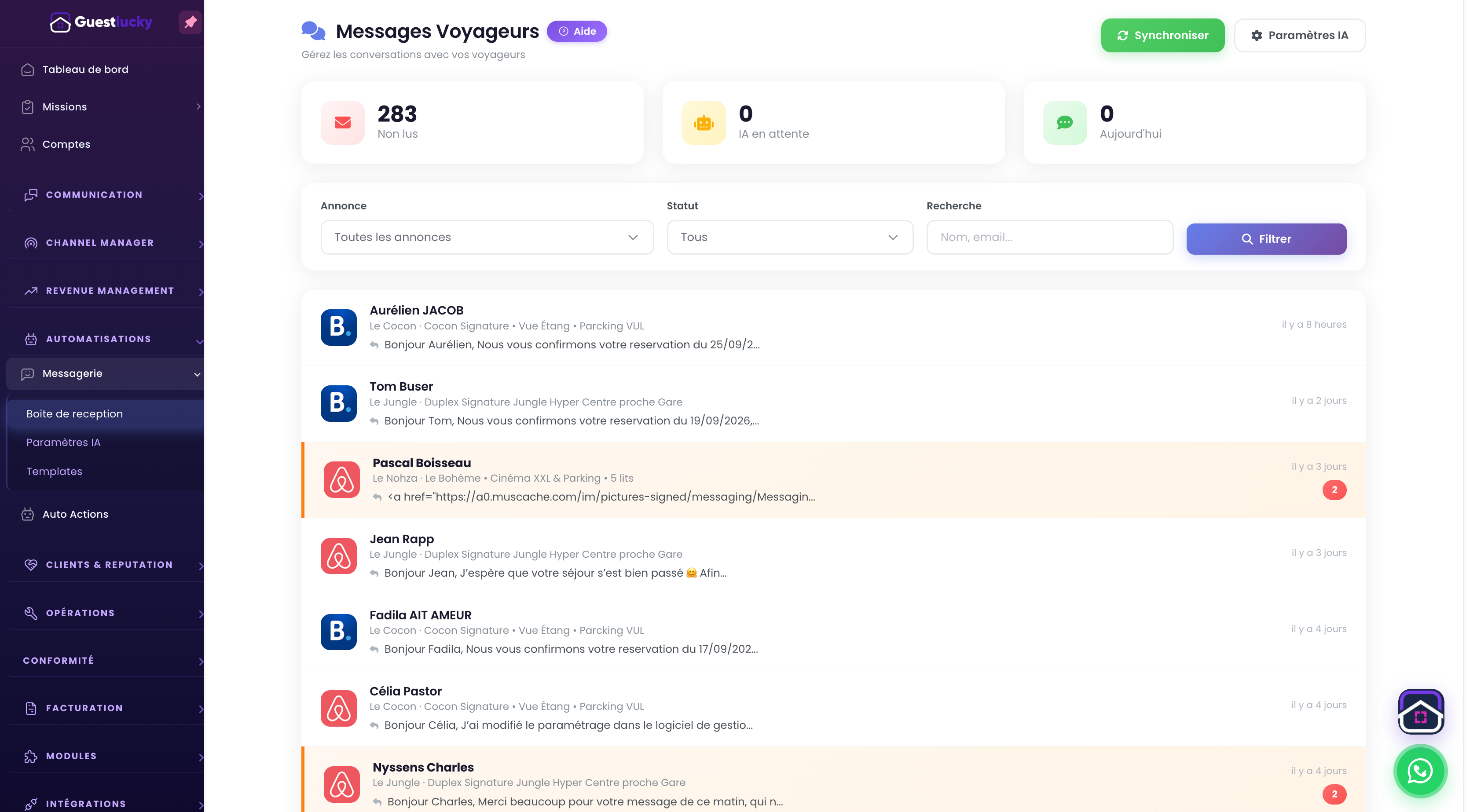
Shall we explore it with your properties?
A free video-call demo, starting with your business and questions.