
Dashboard
Arrivals, departures, cleaning and outstanding items: GuestLucky brings together useful information to start your day and find the right record quickly.
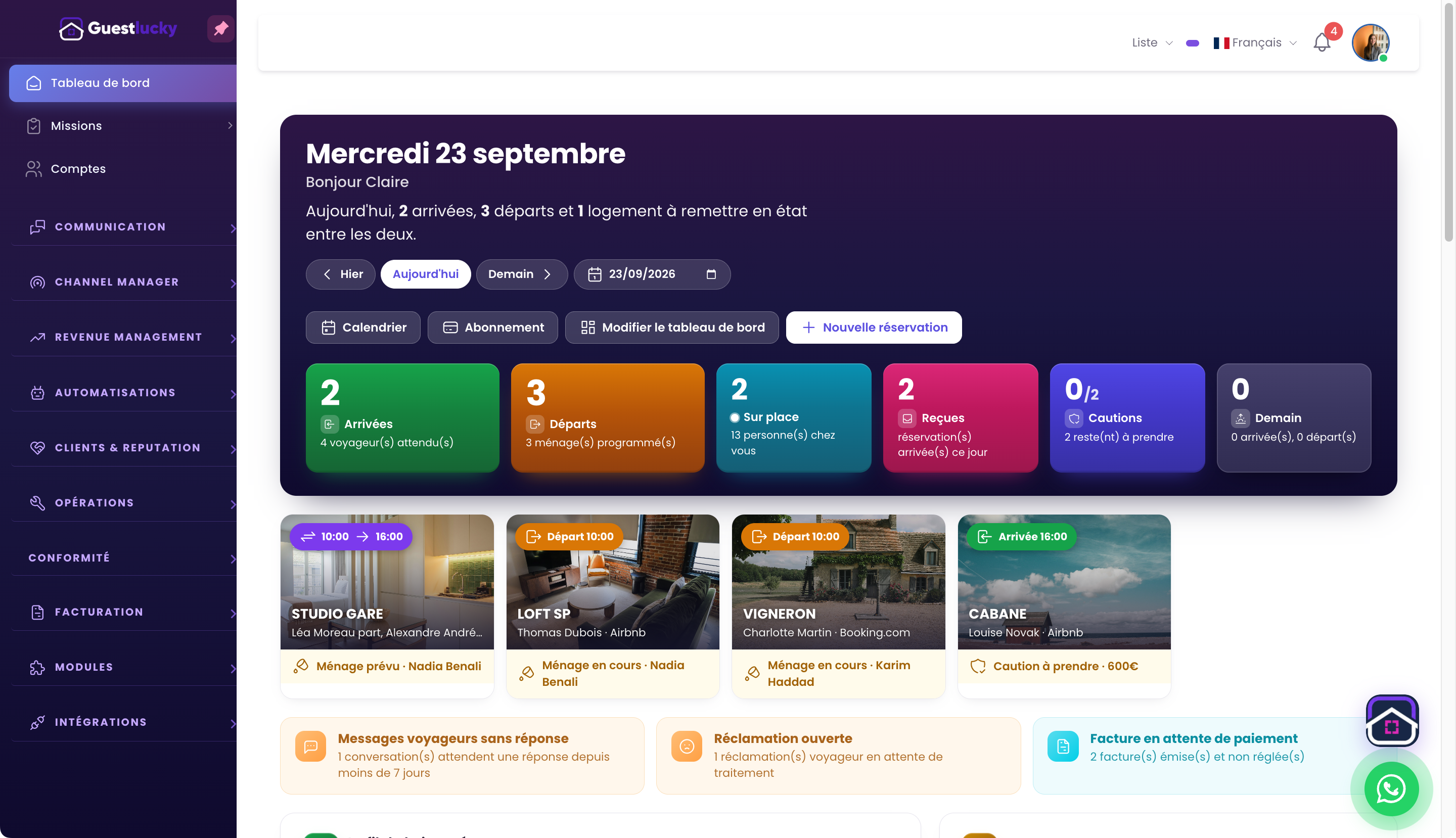
Spot the day’s arrivals and departures
Arrivals and departures remain visible at the start of the day. Property photos and stay information provide context without opening every booking. Prepare turnovers using times and associated tasks.
Organise the information that matters to you
The dashboard shows services, deposits, new bookings and messages to follow up. Arrange blocks around your priorities. Operational information and indicators share one space alongside their detailed views.
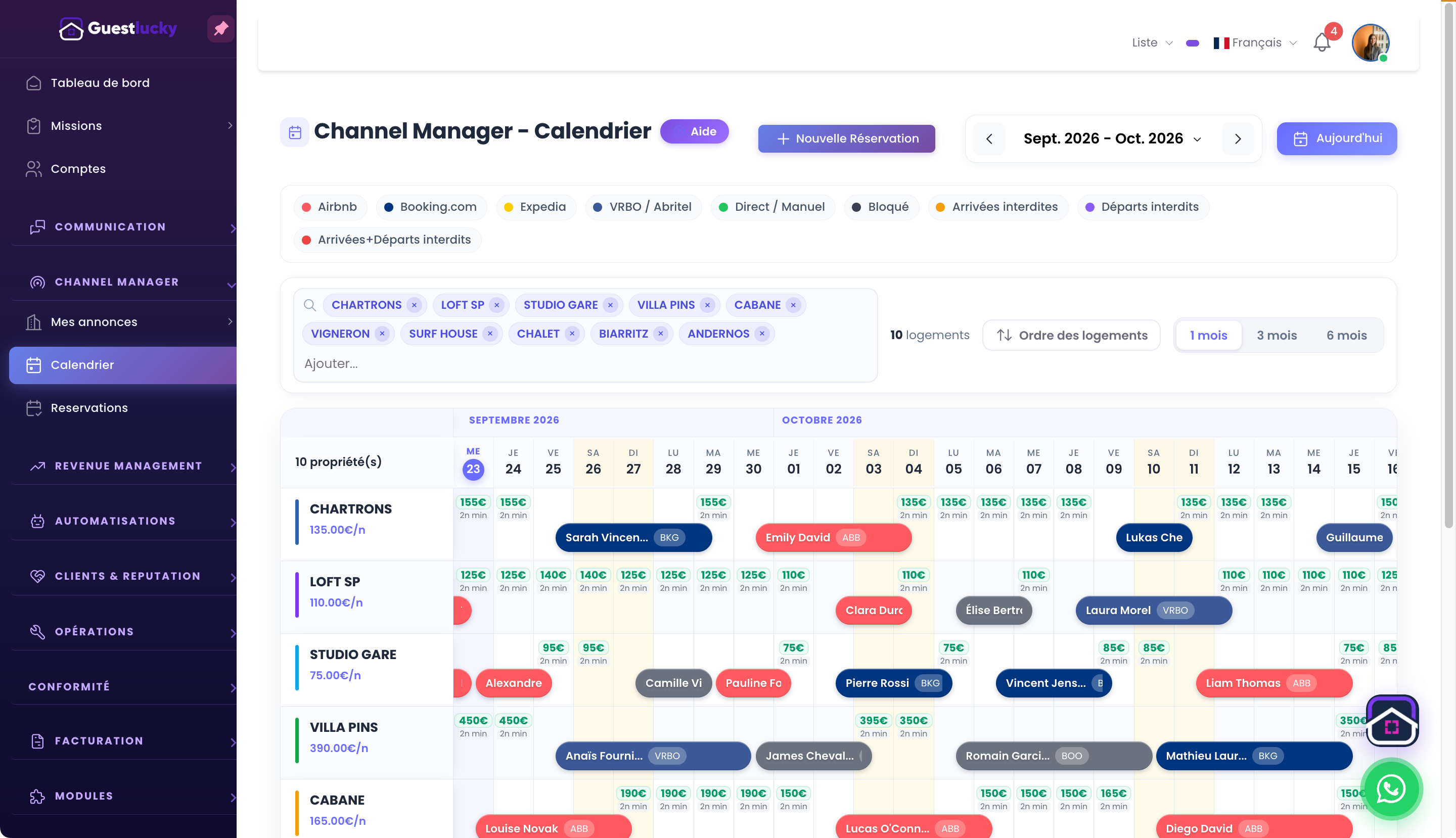
Find the right feature
From the overview, open calendars, tasks, messages or analytics. The dashboard is the entry point to everyday work. It differs from the owner portal, which shows information for properties entrusted to a holiday rental service.
From initial setup to everyday use.
- Choose the day to view.
- Spot arrivals, departures and outstanding items.
- Open the relevant record.
Useful questions.
Is this the same view for an owner client?
No. The owner portal has a separate presentation and scope focused on their properties and analytics.
The next step stays connected.
All features ↗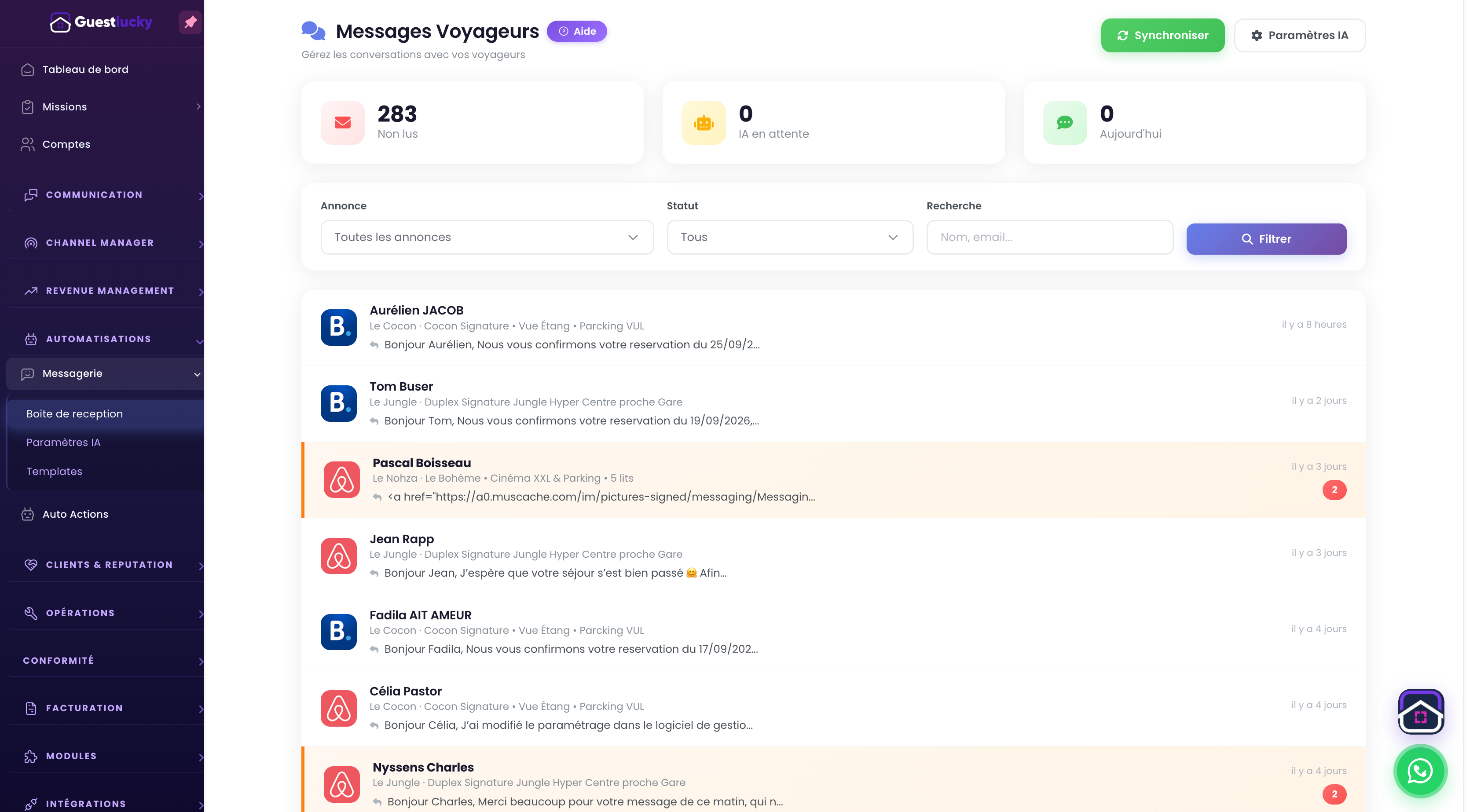
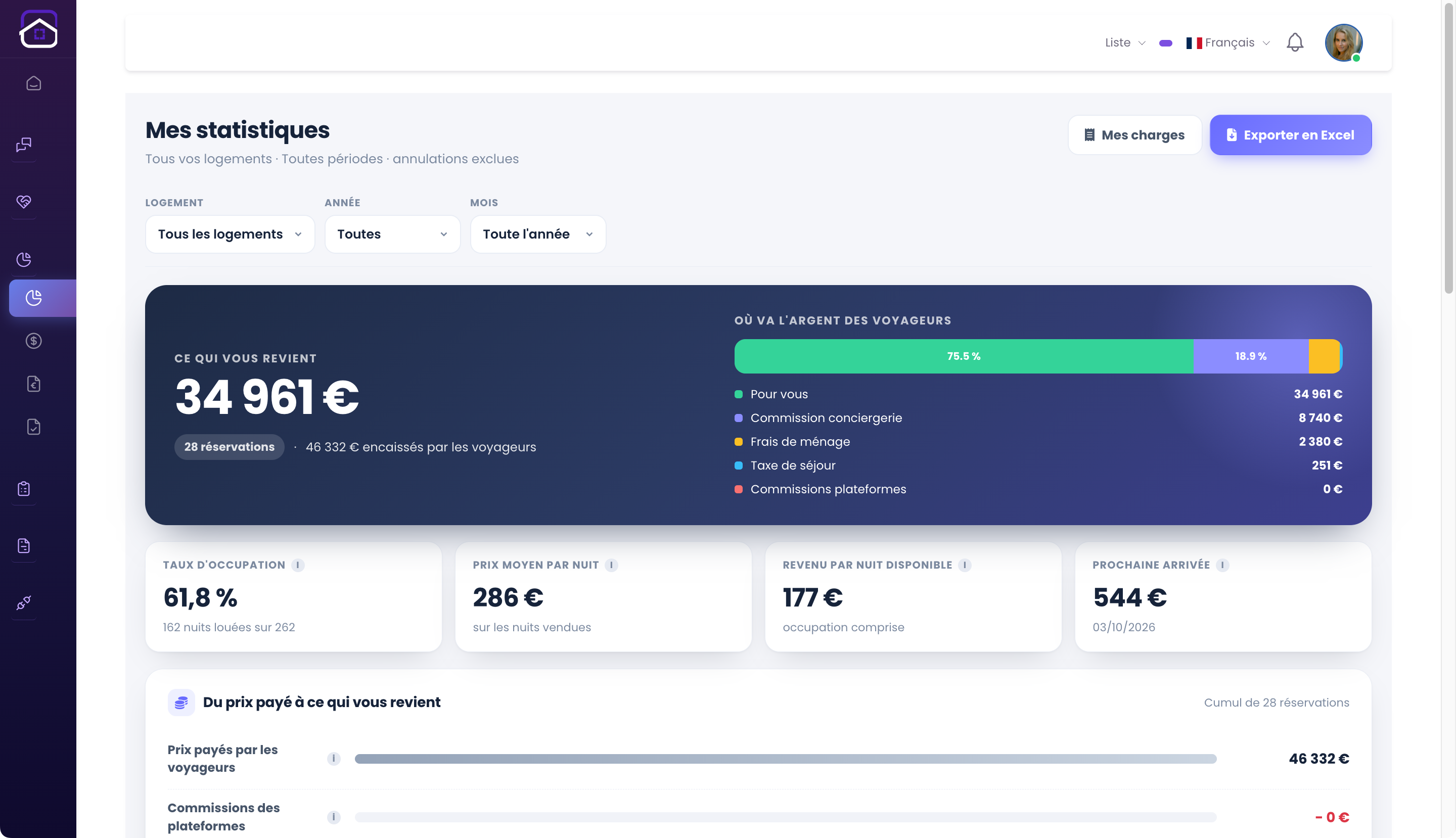
Shall we explore it with your properties?
A free video-call demo, starting with your business and questions.