
Operations & AI
MCP connection · Claude & ChatGPT
Connect GuestLucky to Claude or ChatGPT with an MCP key. Your compatible assistant can use information and actions offered by the GuestLucky connection to help you run your business.
Your GuestLucky account.
- Claude / ChatGPT
- MCP key
- GuestLucky
Keep the assistant you already use
The MCP connection links GuestLucky with a compatible assistant. Work with your business information from Claude or ChatGPT, alongside the copilot built into the app.
Connect your account with an MCP key
Set up your GuestLucky connection in your chosen assistant using the MCP key. GuestLucky’s tools become available according to the assistant’s capabilities and your account access.
Work with your property context
Make a request about your portfolio and use the information or actions available through the connection. The MCP tool scope shows what the assistant can read and do in your account.
From initial setup to everyday use.
- Prepare your GuestLucky account’s MCP key.
- Configure GuestLucky in your compatible assistant.
- Use the available tools from Claude or ChatGPT.
Useful questions.
What does MCP mean?
MCP stands for Model Context Protocol: a way to connect an AI assistant with external tools and data.
Does MCP replace Lucky Copilot?
They complement each other. Lucky Copilot is built into GuestLucky; MCP lets you work from a compatible external assistant.
The next step stays connected.
All featuresIt helps you take action.
- Your request
- Lucky Copilot
- Your business
Lucky Copilot
An instruction in French. An assistant connected to your business.
Discover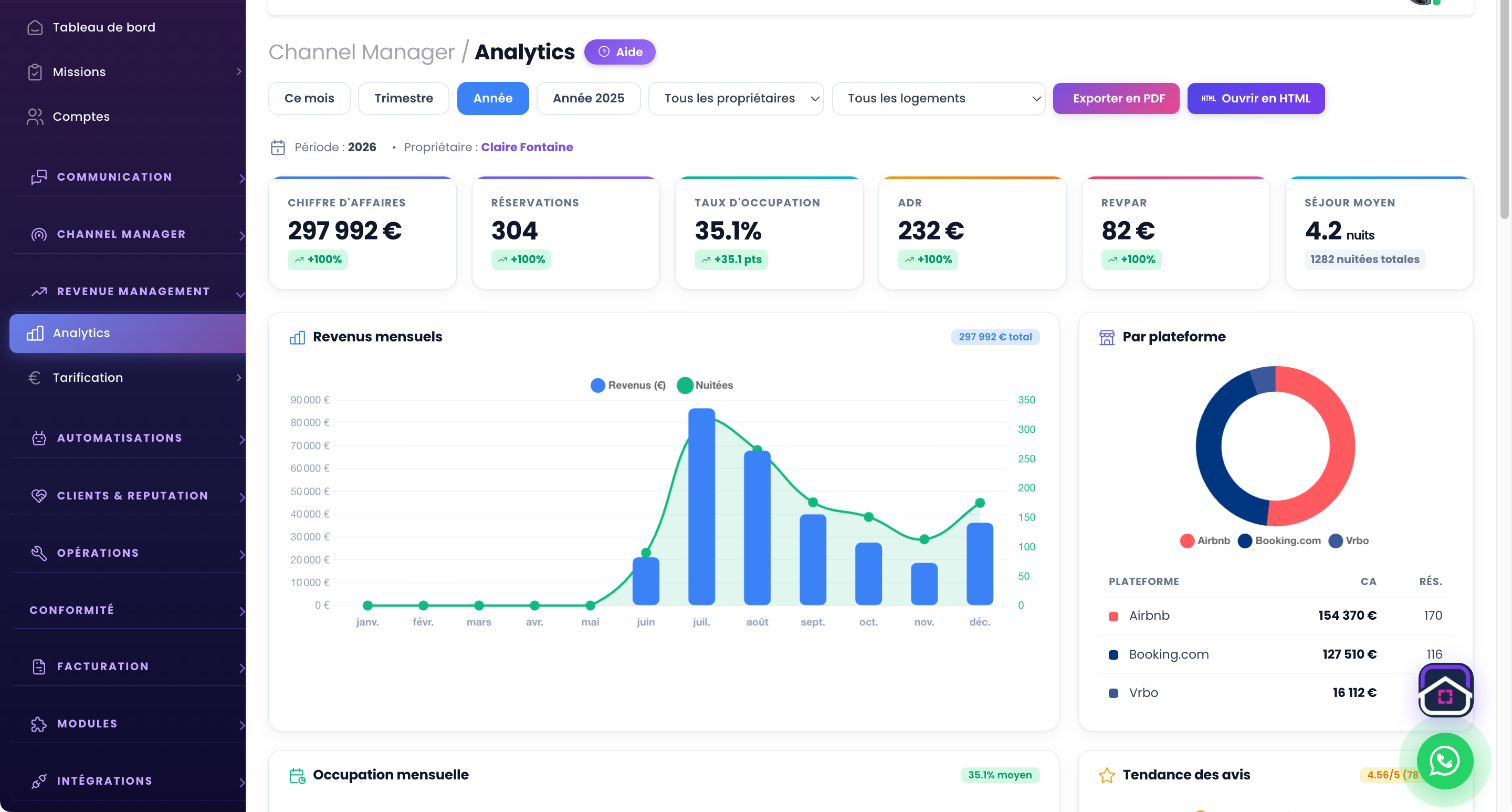
Analytics & revenue
Understand what your properties earn.
Discover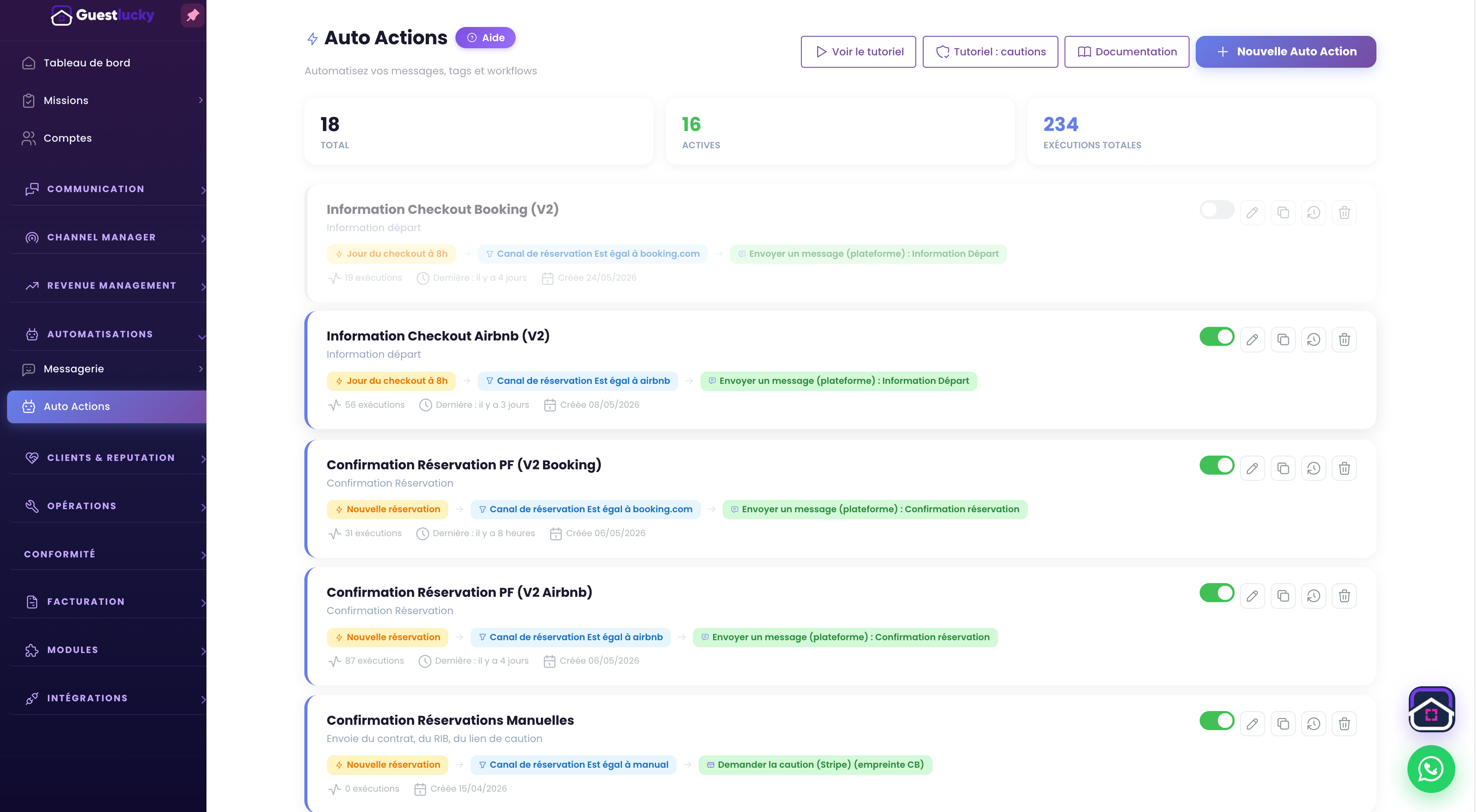
Automated messages
The right message at the right stage of the stay.
DiscoverShall we explore it with your properties?
A free video-call demo, starting with your business and questions.