
Guest messaging
Find guest conversations and booking information in one environment. Reply with the right context, then use templates for recurring requests.
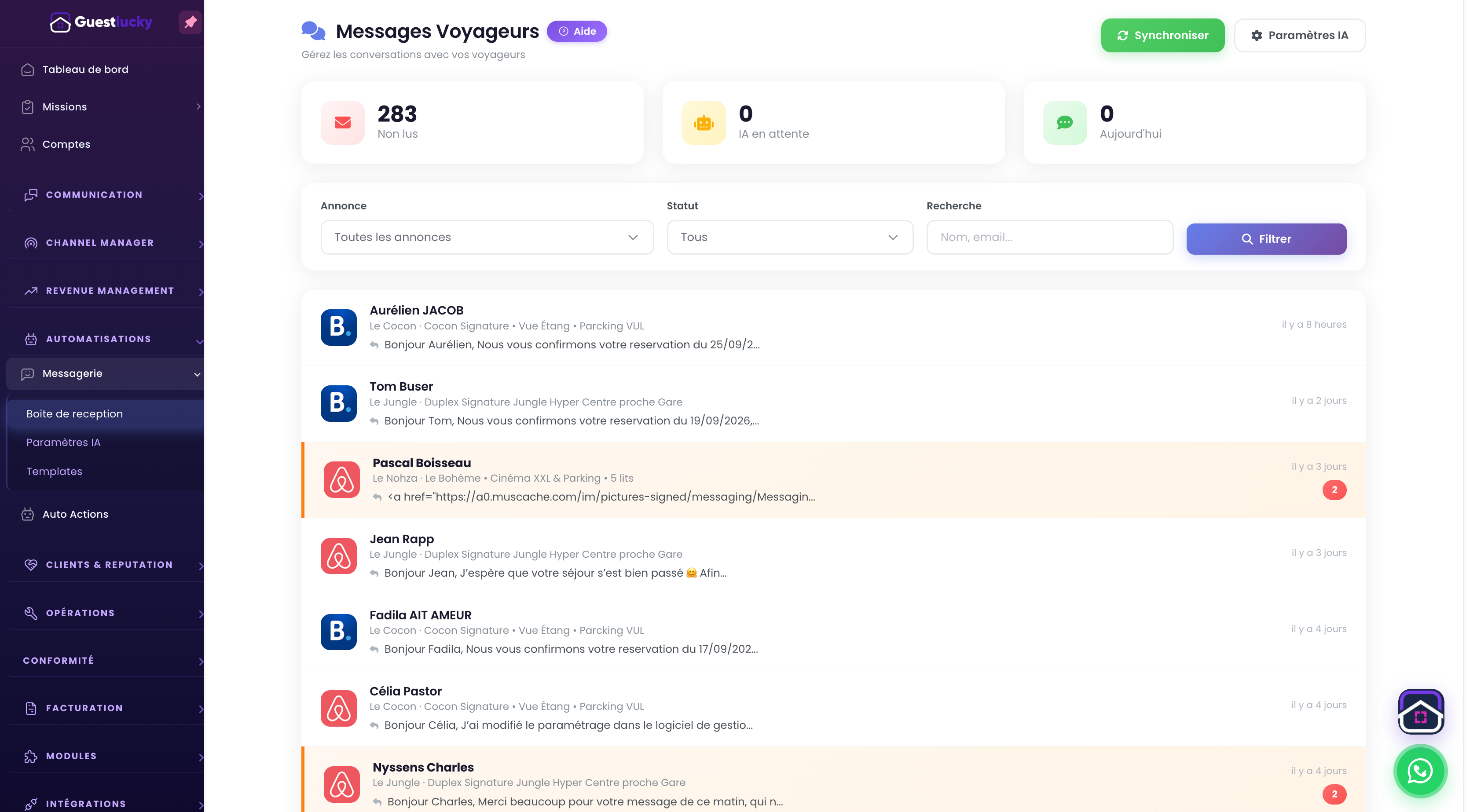
Find a conversation without looking everywhere
The inbox brings together conversations from supported channels. The property and stay identify the request: before arrival, during the stay or after departure. Each conversation keeps its context.
Prepare replies in your own voice
Templates save rewriting the same information. Keep your wording for access, times and checkout instructions, then adapt it to the guest. A template is reusable text; an automation defines when and under what conditions to send it.
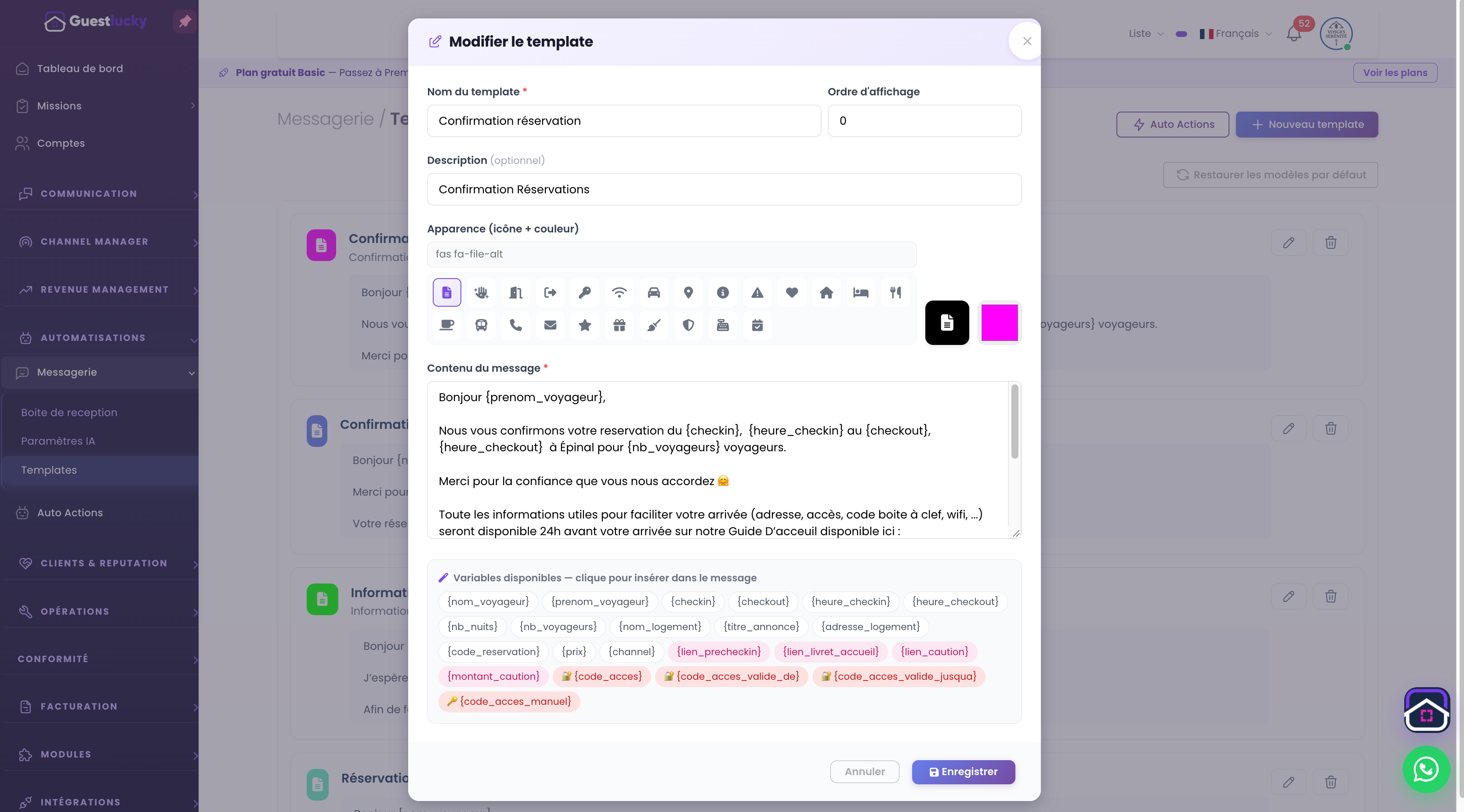
Connect messages and automations
Scheduled messages complement personal replies. Prepare a stay’s communication journey, then return to the inbox for specific questions. Pro’s AI assistants work within this environment according to their settings.
From initial setup to everyday use.
- Open the stay’s conversation.
- Check the context and prepare your reply.
- Reuse a template or reply personally.
Useful questions.
Is a template sent automatically?
No. A template prepares the content. A scheduled action and its conditions are needed to trigger an automatic message.
The next step stays connected.
All features ↗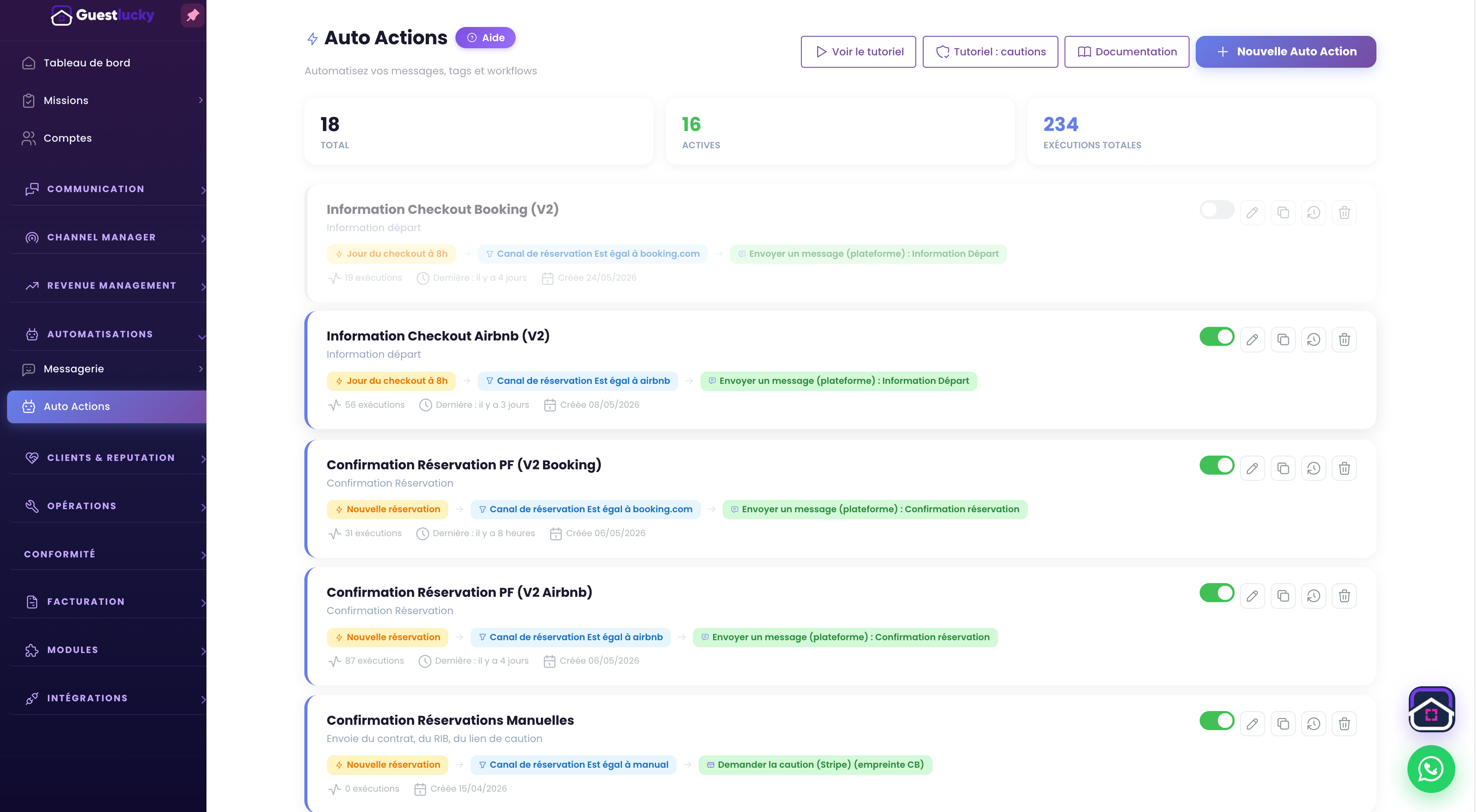
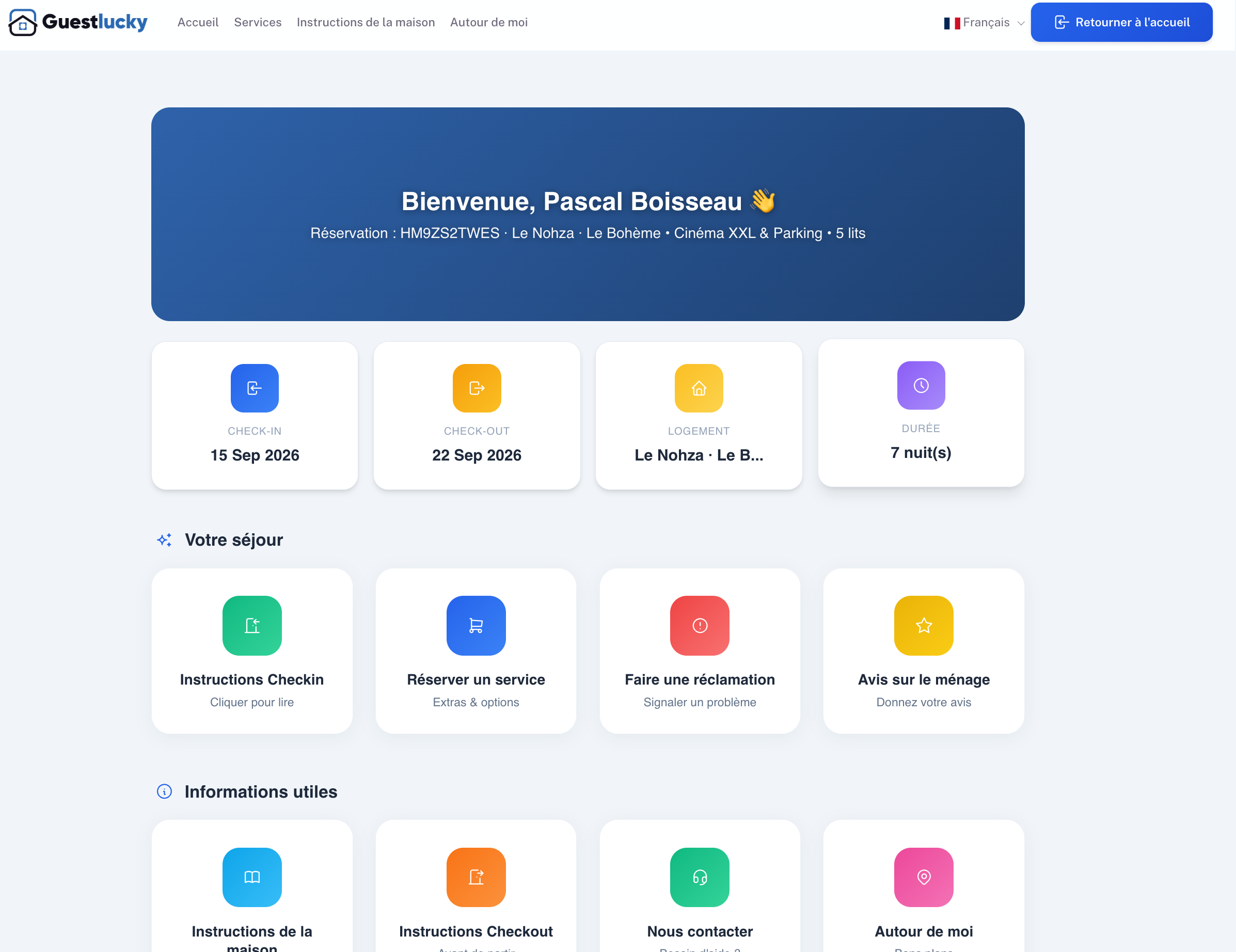
Shall we explore it with your properties?
A free video-call demo, starting with your business and questions.