
Property owners
Owner expense tracking
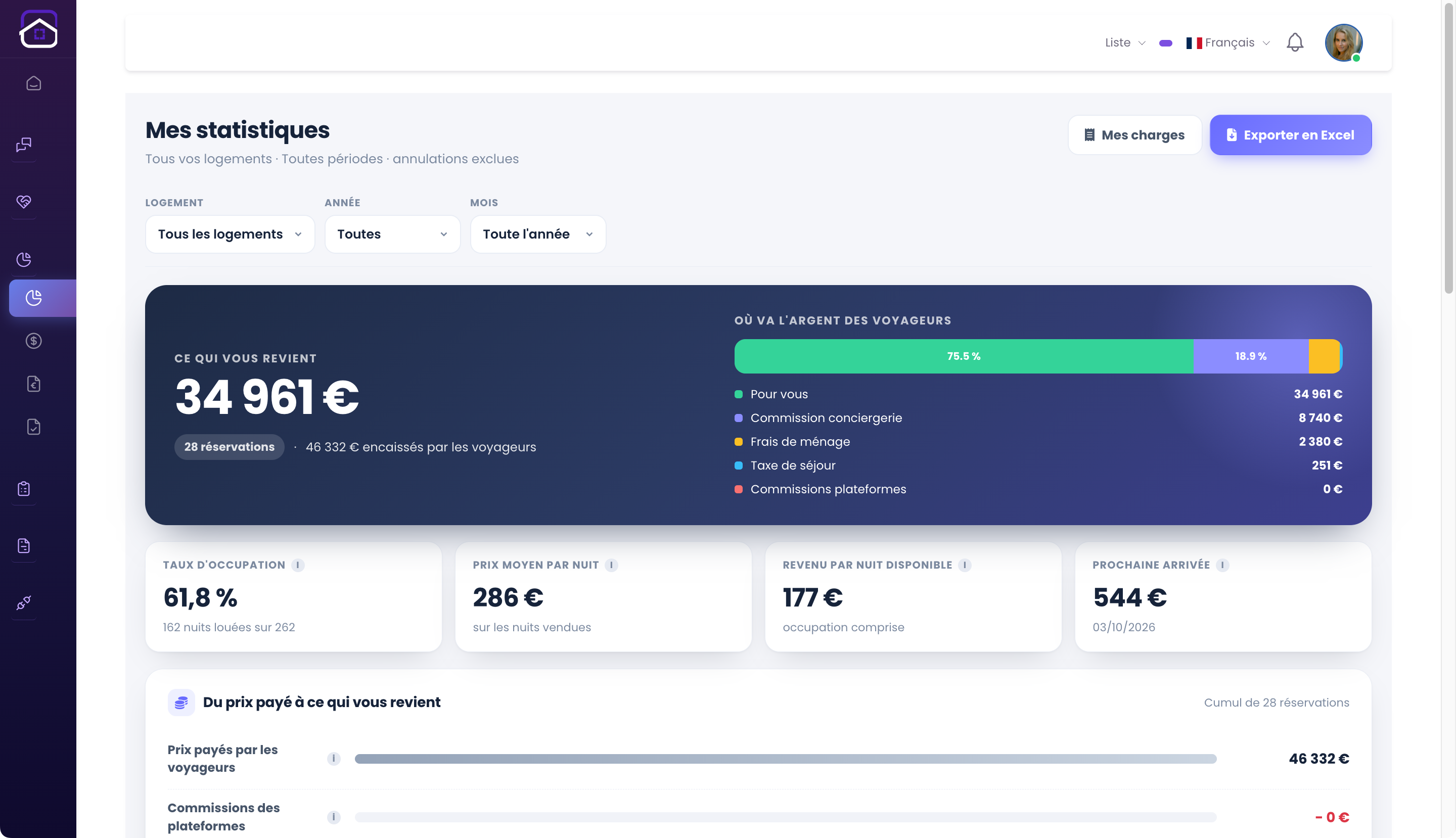
Owners can track property expenses and analytics in their interface. Expenses complement revenue figures to clarify the cost of operating each property.
The complete picture.
- Your properties
- Your expenses
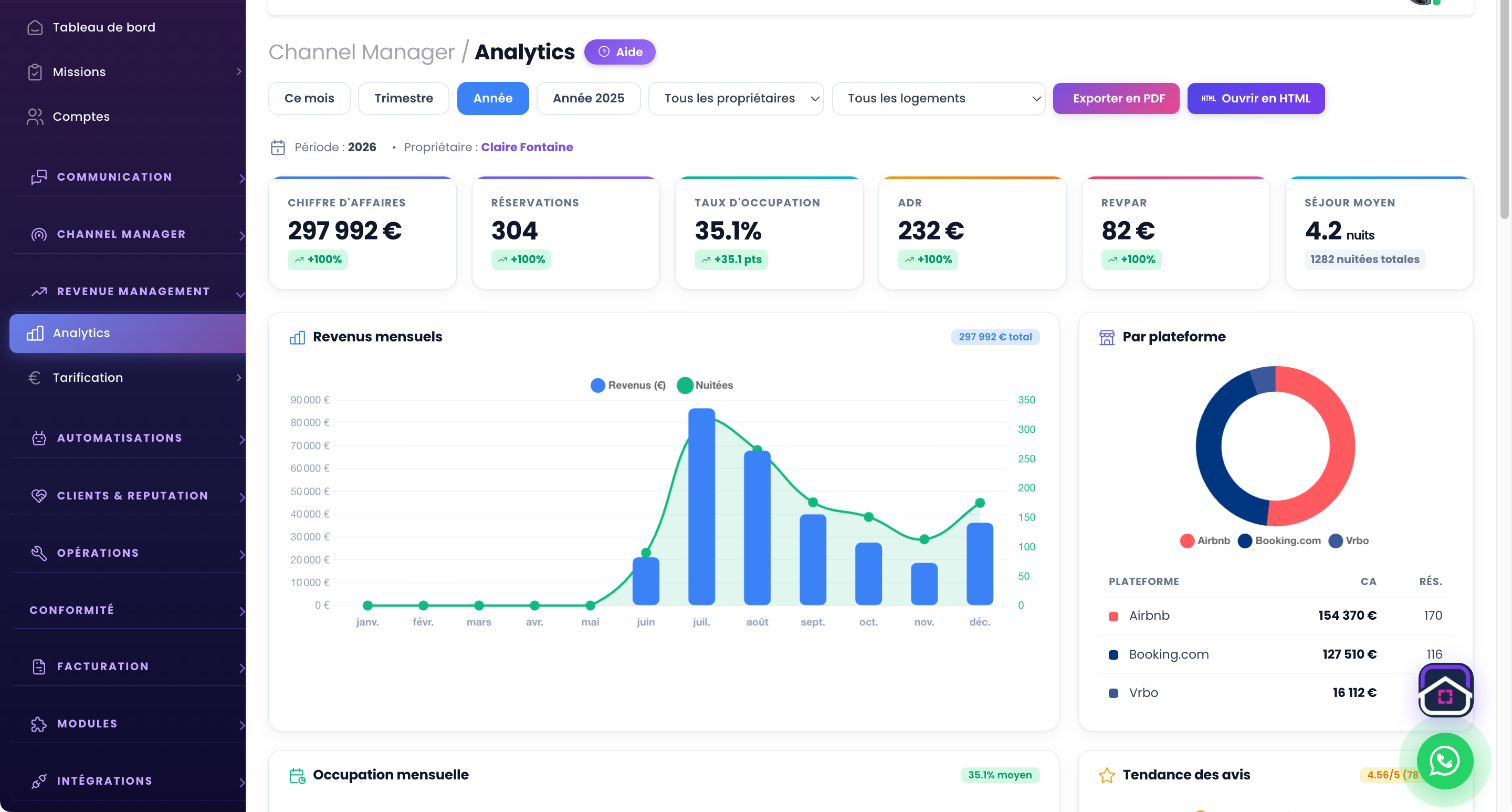
- Your analytics
Enter property expenses
A property’s expenses extend beyond booking-related fees. The owner portal includes expense tracking alongside rental information.
Connect expenses with performance
Revenue, occupancy and expenses offer complementary views. Finding them together in GuestLucky helps track a property over time and prepare operational decisions.
Access suited to each owner
Each owner sees information for their assigned properties. They use their own interface to follow activity and expenses while the operator organises bookings and operations.
IN THE SAME SPACE
Your property analytics.
From initial setup to everyday use.
- Open your owner portal.
- Track your property expenses.
- View your property analytics.
Useful questions.
Where can owners find their expenses?
In their GuestLucky owner portal, alongside property information and analytics available to their account.
Are these expenses the operator’s invoices?
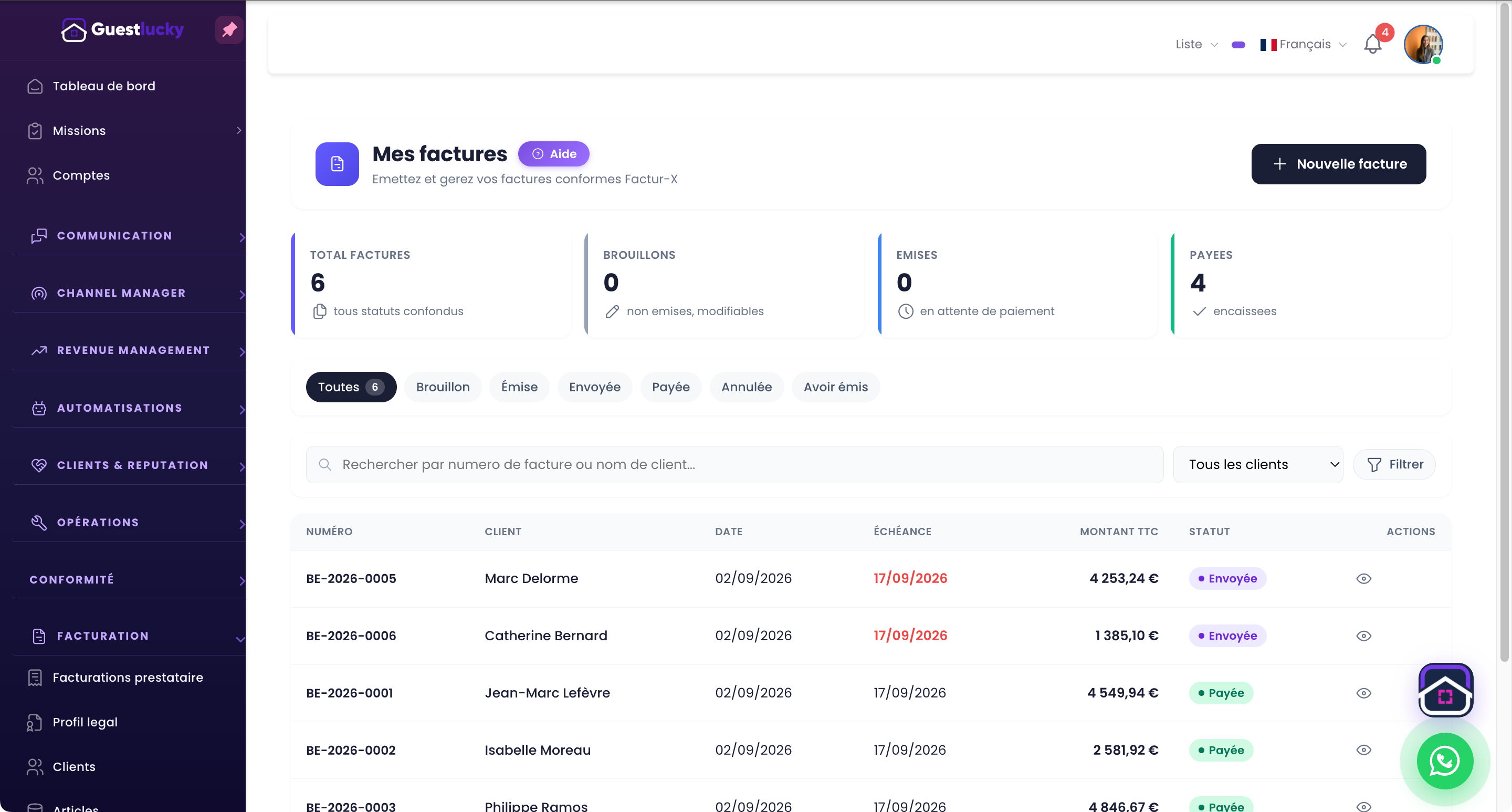
Owner expense tracking complements invoicing. The invoicing module remains the place for issued invoices and their follow-up.
Shall we explore it with your properties?
A free video-call demo, starting with your business and questions.