
Owner portal for a rental concierge: useful reports and permissions
Owners usually want to understand what happened to their property and what they will receive. A portal helps when figures are traceable and the access rights match each owner's portfolio.
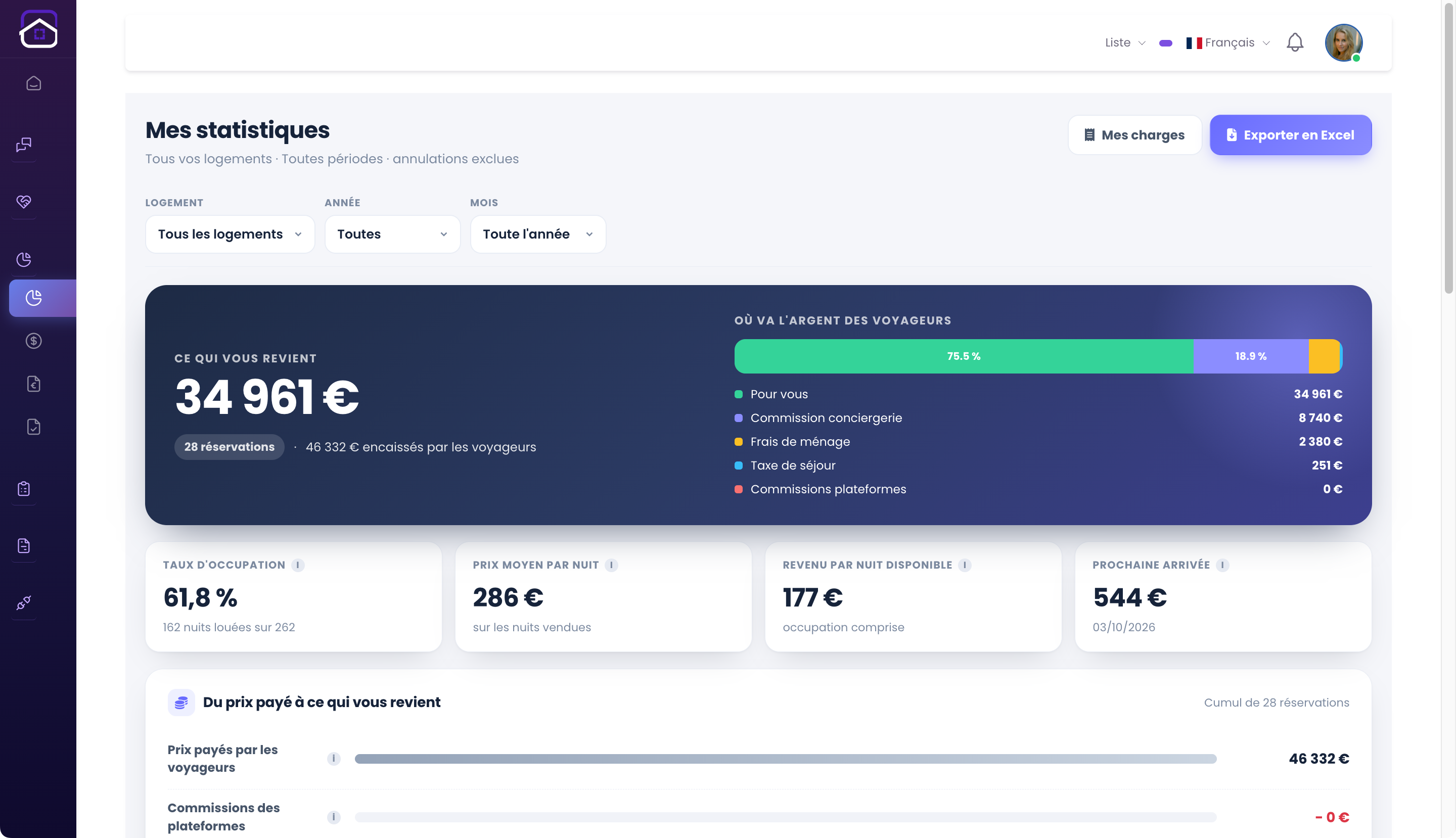
Define the figures
Agree on gross booking value, channel fees, cleaning, management fees, other charges and owner payout. State whether values include tax and when a reservation enters a reporting period. A single unexplained total creates disputes.
Show cancellations, refunds and adjustments separately. Give a path from a monthly figure back to the underlying booking or approved charge.
Set the right access
An owner should see their own properties and approved documents, not another owner's revenue or private staff notes. Test accounts with multiple owners, delegated access and a former user whose access must be removed.
Avoid exposing full guest identifiers where a summary will do. Keep sensitive exports under appropriate controls.
Make exceptions visible
Record maintenance work, incidents and expenses with status and supporting documents where appropriate. Make clear which items need owner approval and who can close them.
Reconcile portal figures with invoices and actual payments before promising a payout. The portal is a communication tool, not a substitute for accounting checks.
Pilot one monthly cycle
Run a real reporting period for a small group of owners, gather questions and fix unclear labels. Check how corrections are shown after publication of a report.
Explore GuestLucky's owner portal and owner charges as current product references.
Continue with the GuestLucky guides or explore the features.