
Digital welcome book for a short-term rental: what to include
A digital welcome book should answer the questions a guest has at the property, on a phone, without requiring a long search or a message to the host.
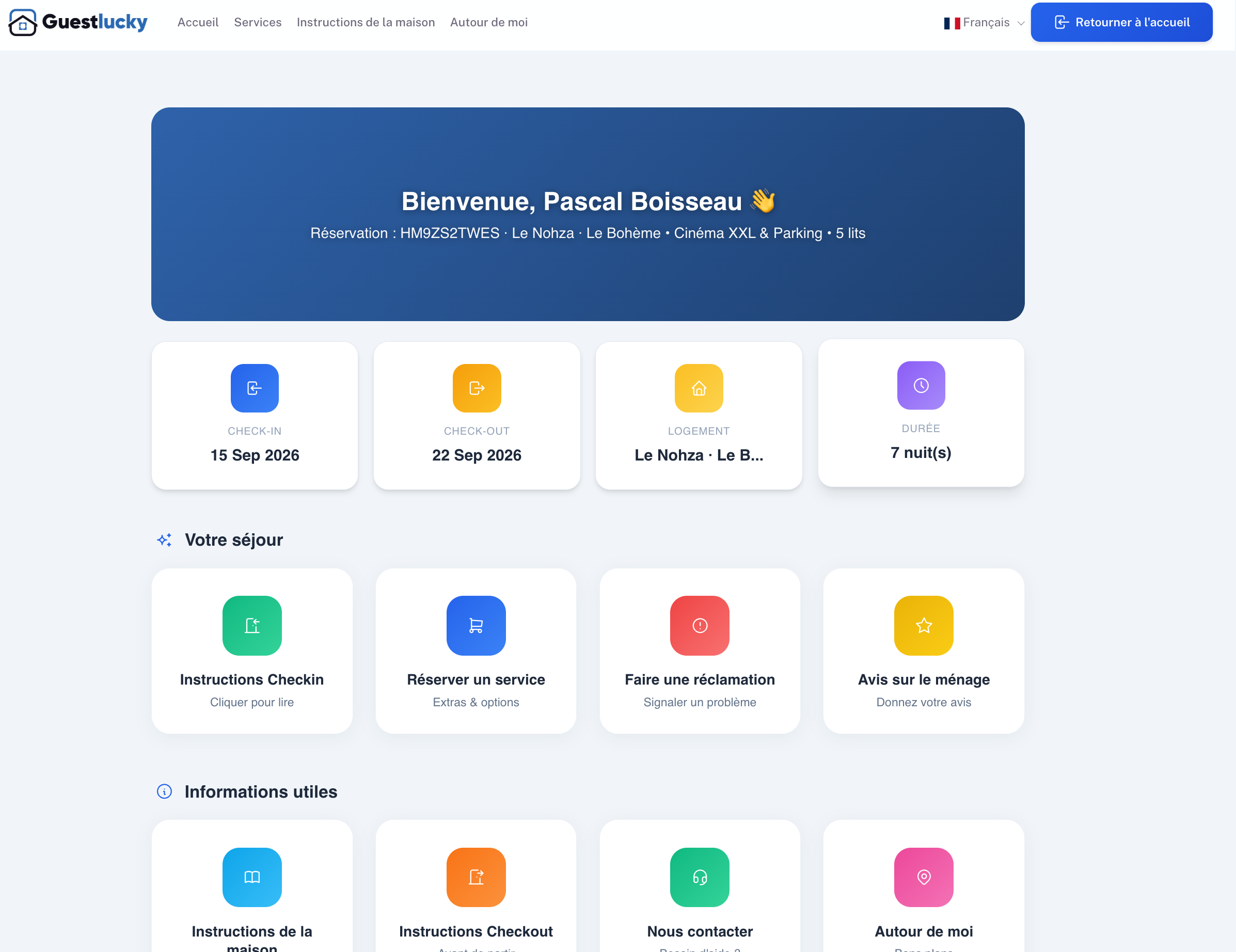
Put arrival first
Start with the verified address, parking or transport, check-in time and the steps to enter. Explain what to do if an access method fails. Share sensitive codes only through a secure, appropriate channel.
Add Wi-Fi details and a short contact route for urgent issues. Keep the first screen readable on mobile.
Explain the property clearly
Use concise instructions for heating, appliances, rubbish, recycling and checkout. Show photos where a device or switch is difficult to find. State quiet hours and house rules in plain language.
For international guests, prioritise an accurate translation of the practical details over decorative text.
Maintain the information
Assign a person to update the book after a lock change, new appliance, renovation or revised local rule. Date the internal review and test links and QR codes from a guest phone.
Do not publish personal phone numbers or private access details more widely than intended. Provide an offline fallback for critical arrival instructions.
Connect it to messages
Link the relevant section from pre-arrival messages instead of sending a long generic paragraph. Track repeated questions: they show which instructions are missing or hard to find.
See GuestLucky's digital guidebook page and guest inbox for the current product workflow.
Continue with the GuestLucky guides or explore the features.