
AI guest messaging for Airbnb: setup and safeguards
An AI assistant can help answer repeated guest questions, but a fluent reply is not necessarily a correct one. The useful setup starts with verified property information, clear limits and a way for a person to take over.
Prepare a trustworthy knowledge base
For each property, maintain the address, check-in process, Wi-Fi details, equipment, parking, house rules and checkout instructions. Assign someone to update those facts whenever a lock, appliance or local arrangement changes. An old code delivered quickly is worse than a slower correct answer.
Separate public information from sensitive details such as access codes and guest identifiers. Give the assistant only the context needed for the current authorised conversation.
Choose when a human reviews
A routine question about Wi-Fi or checkout can follow a prepared answer. A complaint, refund request, safety issue, accessibility need or suspected fraud should move to a person. Define who receives that handover and how quickly they can see the conversation.
Review the tone in each language you serve. A short, accurate answer is usually more helpful than a long generic response. Keep examples of good replies and correct recurring mistakes.
Test with real scenarios
Try an early arrival request, a missing key, a late-night noise report and a change of booking dates. Check whether the assistant uses the correct property and reservation. Confirm that it does not promise a refund or access it cannot grant.
Measure accuracy and handover quality from reviewed conversations. Do not assume a universal percentage of messages can be automated; it depends on the properties, knowledge base and service promise.
Keep operational tools distinct
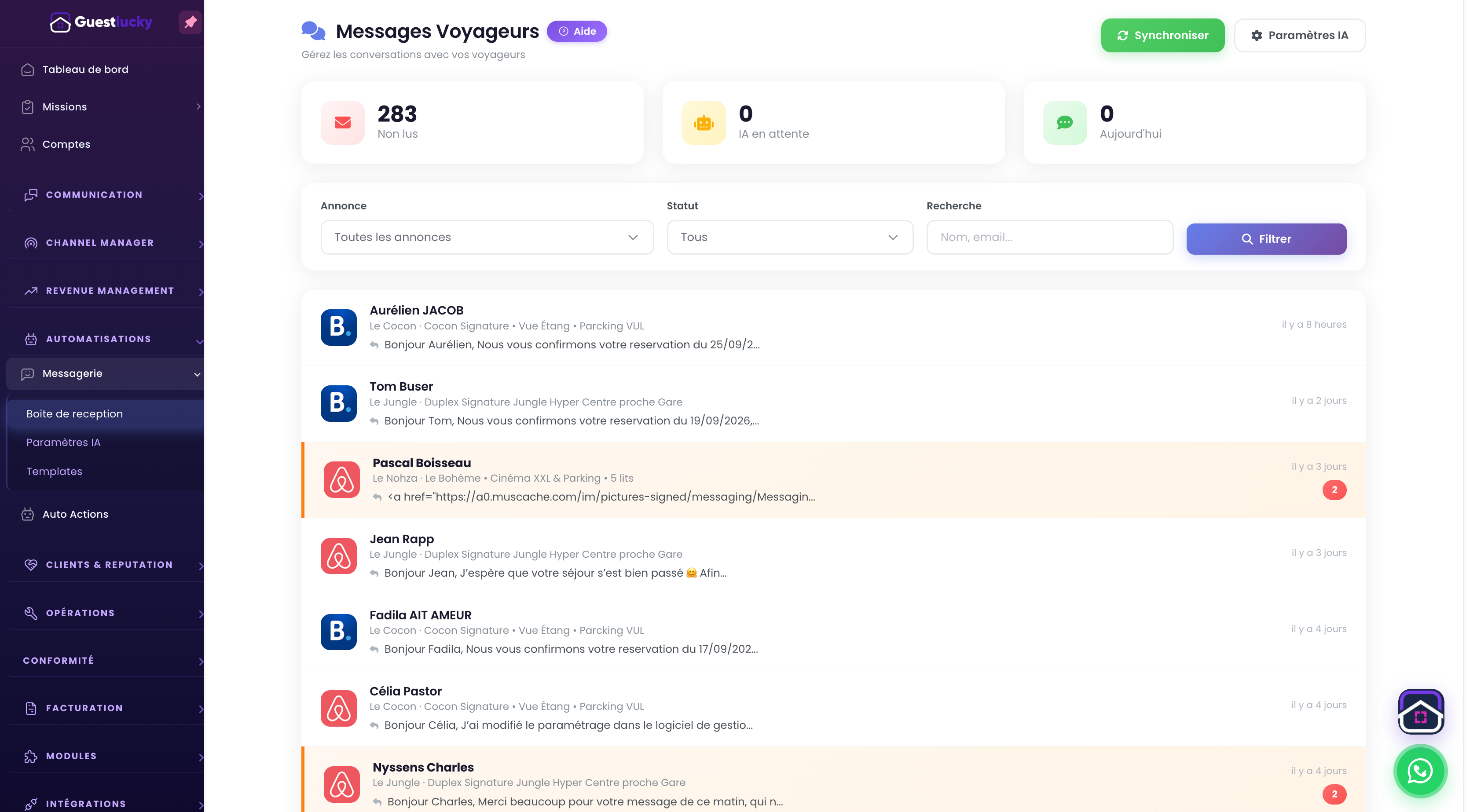
GuestLucky describes guest-facing AI in its Pro offer and Lucky Copilot as a separate assistant for the manager. Check the current settings and permissions before connecting either to a live workflow. An assistant that drafts a message is different from one allowed to change a booking.
Explore the guest inbox and Lucky Copilot pages for the product's current scope.
Continue with the GuestLucky guides or explore the features.